

Teaching and assessing writing is increasingly complex.

Every day, teachers are working to help students engage in deep, focused writing β€” but it’s getting harder.

  • Digital distractions pull students out of sustained thinking
  • Generative AI tools interfere with authentic student writing
  • Cognitive overload makes it difficult for students to slow down and think on the page

Many teachers feel this tension: we want students to write independently, thoughtfully, and honestly, but the tools they use often work against that goal.

A Different Writing Environment by Design

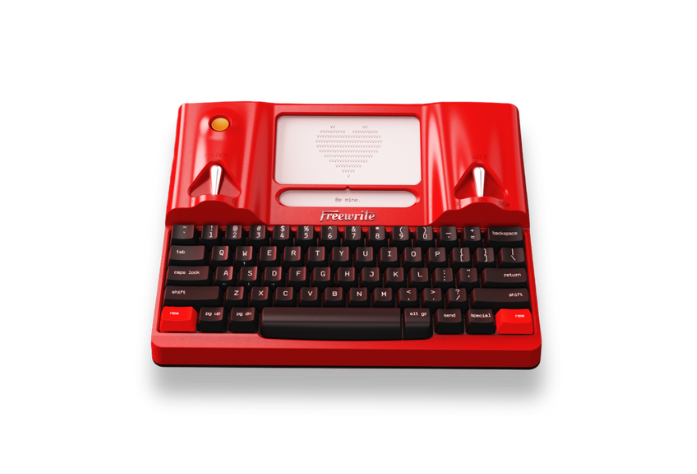
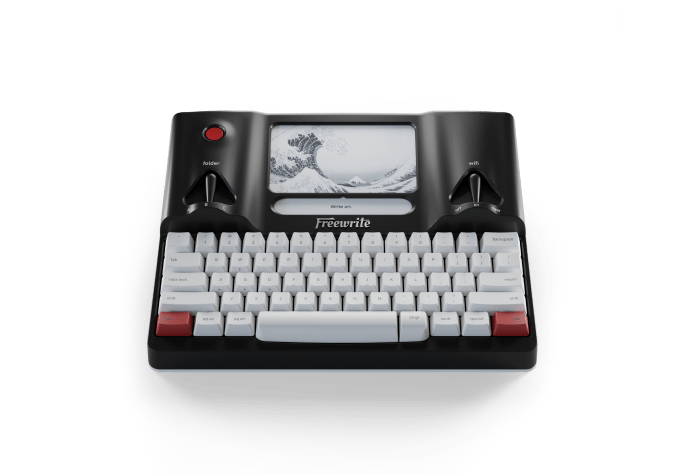
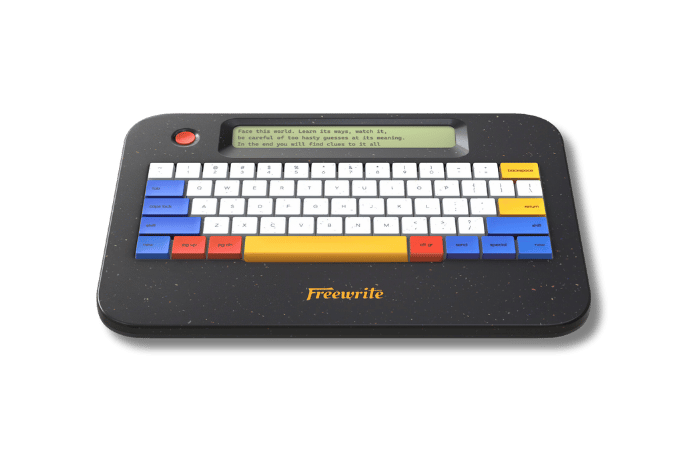
Freewrite is built for a single purpose: writing.

  • No notifications, apps, or multitasking
  • No AI, autocorrect, or grammar suggestions
  • No internet access during drafting

Students focus on generating ideas and drafting, not editing, searching, or navigating screens.

The result is a calmer, more intentional writing experience that supports thinking first, revision later.

Elementary and Middle Schools

Where focus and fluency are still developing

Digital distractions undermine the development of foundational writing skills. At a critical stage when students are building fluency, stamina, and confidence, they need protected cognitive space.

Freewrite helps safeguard attentionβ€”allowing students to practice sustained writing, strengthen fluency, and build independence without competing stimuli.

Freewrite supports:

Book Icon
Intervention and literacy support programs
Paper and Pencil Icon
Students learning to type or take structured notes
Target with Arrow Icon
Writing blocks that require sustained attention
Backpack Icon
Small-group and extended learning settings
High Schools

Where rigor and authenticity matter

Teachers are increasingly spending instructional time managing devices, monitoring tabs, and navigating AI detection tools. That time should be spent coaching writing and deepening thinking.

Freewrite restores instructional focus. Educators can prioritize craft, structure, and argumentation rather than device surveillance.

Freewrite supports:

Fountain Pen Icon
Writing workshops and literacy blocks
Stopwatch Icon
Timed writing and on-demand assessments
Roman Column Icon
Content-area writing (science, history, AP courses)
Backpack Icon
Writing clubs and extended learning programs
Higher Education

Where academic integrity and thinking are paramount

Professors often describe Freewrite as a modern digital β€œblue book” for in-class essays and exams. It is also being used in composition courses, writing seminars, and thesis drafting.

Instead of policing authenticity, faculty can return their attention to what matters most: student thinking, clarity of argument, and depth of analysis.

Freewrite creates a writing space where intellectual ownership is built into the environment itself.

Get Results

Proven Results from our first Pilot

In our first cross-sector pilot, Freewrite produced measurable instructional shifts within weeks β€” not semesters.

100% of Educators Surveyed Recommend Freewrite

With Freewrite, teachers:

Without Freewrite, teachers:

Coach writing

Monitor devices

Deepen thinking and skill development

Manage AI misuse

Increase sustained writing output

Redirect distractions

β€œWSJ”
WIRED
The Atlantic
TechCrunch
β€œForbes”
β€œWSJ”
WIRED
The Atlantic
TechCrunch
β€œForbes”
Real Educator Reviews

What Educators Have To Say

β€œUsing Freewrite reduced the amount of time I spent managing technology and redirecting students, which gave me more time to focus on instruction.”

Elementary Teacher
Acorn Montessori

β€œStudents wrote more authentically because they weren’t worried about over-editing or outside tools. The focus shifted back to ideas and thinking.”

Freshman Seminar Professor
Missouri Southern State University

"We increasingly default to worse modes of writing because of the distractions and cognitive overload of modern devices. Freewrite creates a space where students can actually think and write without interruption."

Principal
Crest Collaborative

"Because of the cloud and automatic transfer to my Google Drive, [it was] easy for us to come up with a system to turn in assignments. The use of the Freewrite in myΒ classroomΒ has garnered the attention of specialists, and they are considering getting several and offering them as assistive devices to qualifying students."

High School Teacher
The Socratic Experience

"Just as the Freewrite products are designed to support drafting in a low distraction context, I can imagine a way in which they can replace the blue book for classroom exams. Syncing to a Google Drive maintained by the faculty member, students could write in real time, eliminating the challenges of reading student handwriting and eliminating the temptation to use AI at this moment when the process is the point."

Geology Professor
Amherst College

"Freewrite has been a great solution for our students who need to type instead of handwrite during timed tests. Teachers appreciate that it prevents access to AI tools or online resources, giving them confidence in the integrity of student work. The keyboard and screen are excellent, and when I tried it myself to take notes in class, I was impressed with how smooth and reliable the experience was.”

Learning Specialist & Education Therapist
Loyola High School
Next
Prev

FAQ

What’s the difference between Alpha and Traveler β€” and which should we choose?

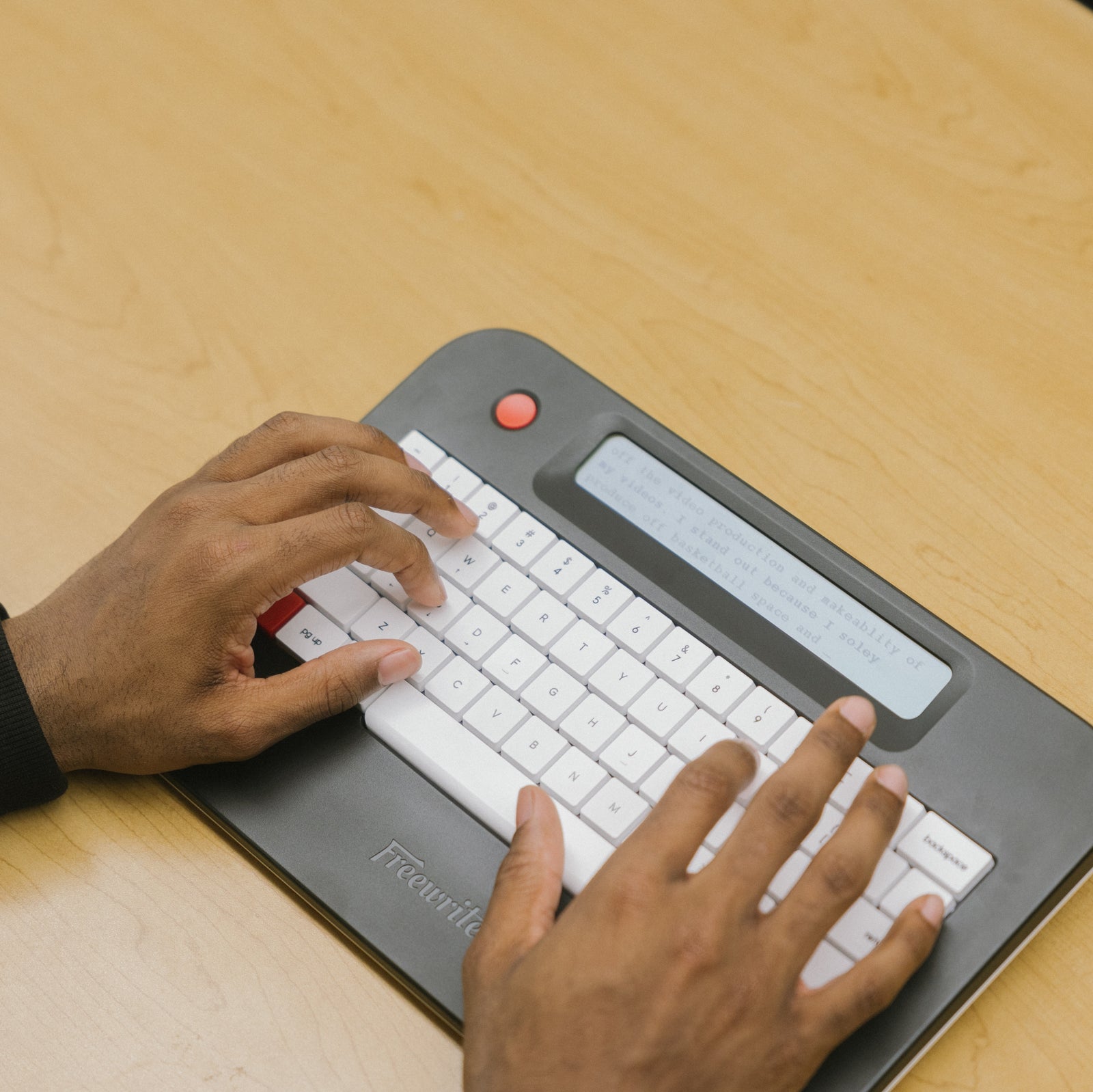
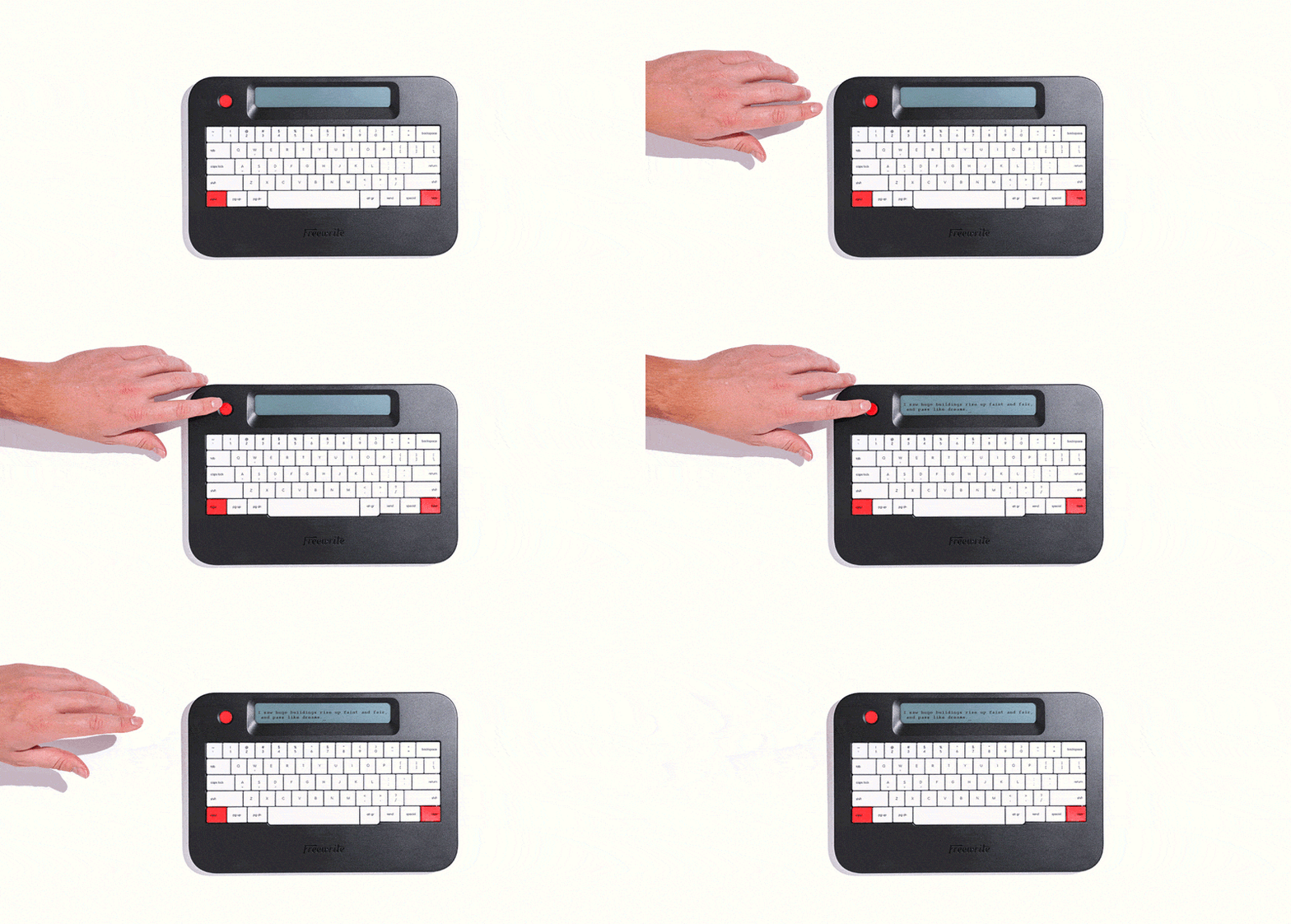
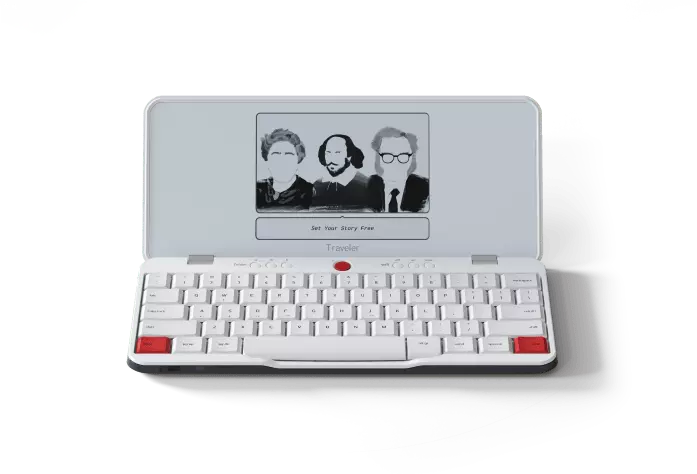
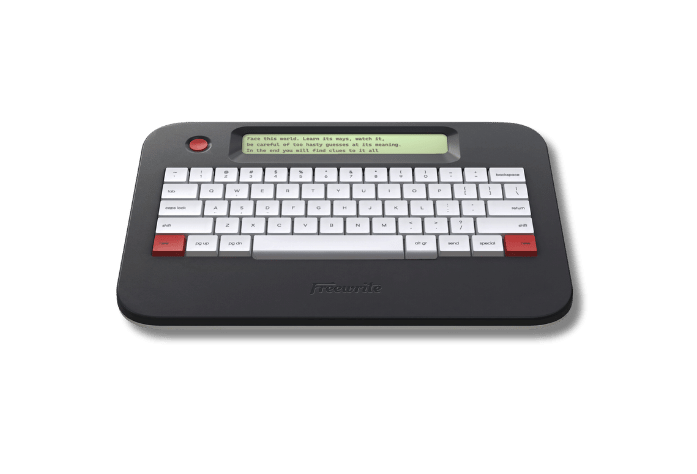
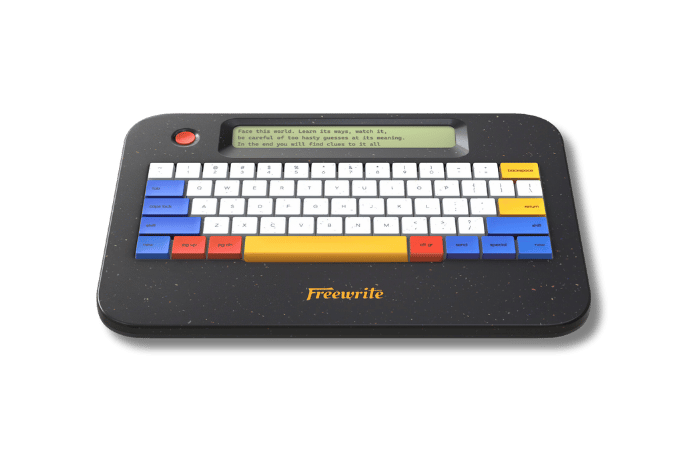
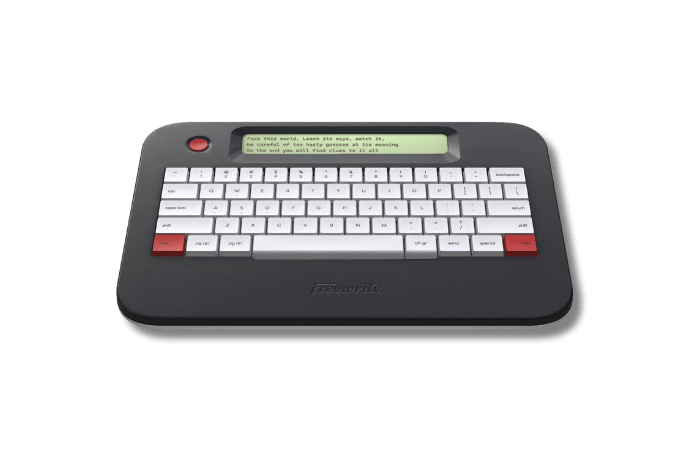
Alpha is the most affordable model and ideal for shared classroom sets, intervention groups, and sustained writing blocks. It shows only a few lines of text at a time to support focus and offers up to 100 hours of battery life.

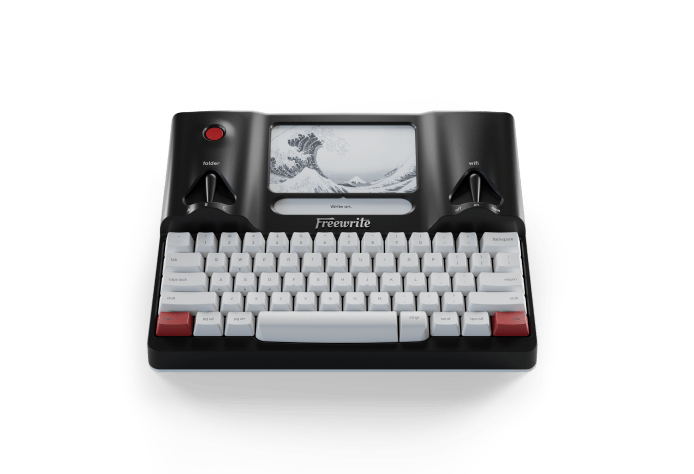
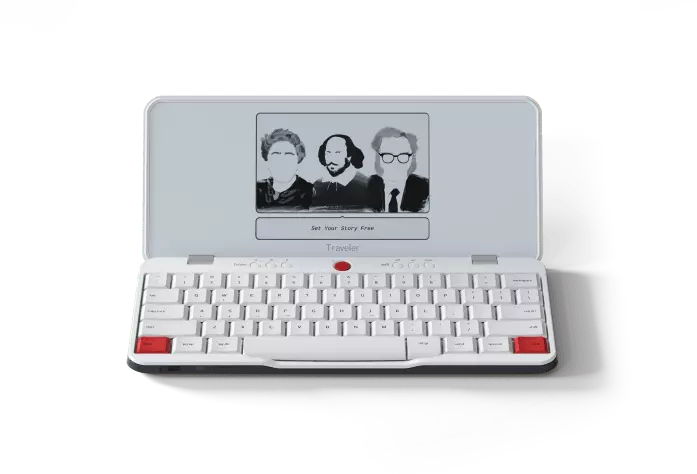
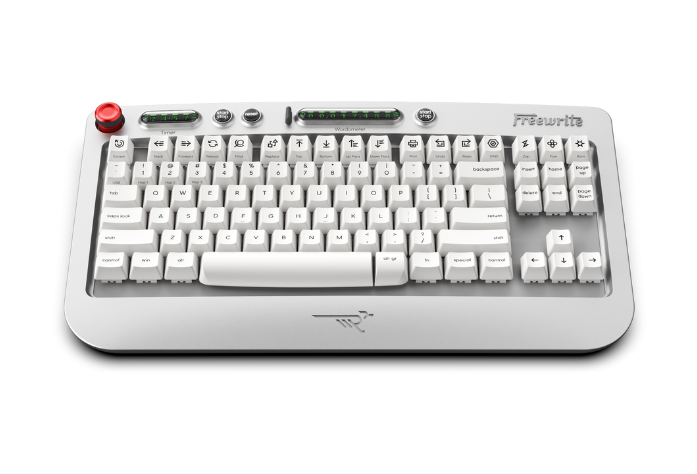
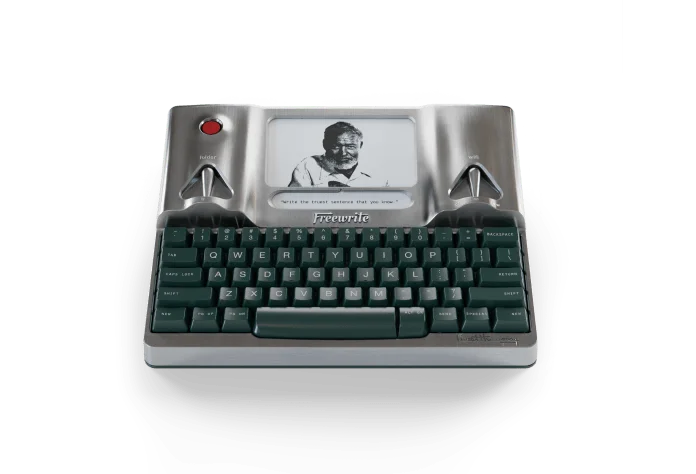
Traveler features a larger E Ink display and laptop-style keyboard, making it ideal for extended drafting sessions, writing labs, and secondary classrooms.

We’re happy to help you determine the right model based on grade level, instructional use, and scale.

Can devices be shared across multiple students or classes?
Yes. Freewrite devices are designed for shared use. Devices do not require per-student licenses and can support: - 1:1 environments - 1:many classroom rotations - Shared carts across periods Unlimited student Postbox accounts are included with all education bundles.
How does Freewrite support in-class assessments and academic integrity?

Freewrite has:

- No browser - No apps - No notifications - No AI tools

For assessments, teachers can create a centralized Postbox account where all drafts sync in real time. This allows instructors to collect authentic in-class writing without managing individual student accounts.

Does Freewrite require Wi-Fi to function?
No. Students can draft fully offline. When connected to Wi-Fi, work automatically syncs to Postbox and optional cloud services (Google Drive, OneDrive, Dropbox, Evernote). This allows flexible classroom use without constant connectivity.
Is Freewrite FERPA compliant?
Yes. Freewrite supports FERPA compliance. No student PII is sold to third parties. Devices use HTTPS with TLS encryption, and institutions can request documentation on security, data handling, and incident response protocols. Accounts can export or delete data at any time.
How are drafts accessed and exported?
Drafts sync to Postbox and can be: - Exported as TXT, MD, or DOCX files - Automatically sent to Google Drive, OneDrive, Dropbox, or Evernote - Downloaded for grading or revision Students can revise drafts in traditional word processors after drafting on Freewrite.
What does implementation look like?
Each bundle includes: - A Teacher Starter Guide - Setup instructions - Classroom integration examples - Troubleshooting guidance - β€œArt of Freewriting” instructional resources Most classrooms are up and running in a single class period.
How long does the battery last?
- Alpha: Up to 100 hours per charge - Traveler: Up to 20 hours per charge Devices typically last 4–5 weeks between charges depending on usage and can remain plugged in while stored.
How are devices stored and maintained?
Devices are compatible with standard USB-C charging carts and trays. Many schools use rolling carts (20–40 devices) or stationary cabinets for overnight charging. Devices can be wiped or reset between cohorts or school years.
How does purchasing work for districts?
The process is straightforward: 1. Choose bundle and device model 2. Request a quote 3. Submit tax exemption (if applicable) 4. Issue a PO (Net 30 available) 5. Devices ship in 3–5 business days (classroom sets) Customized district pricing is available for multi-school rollouts.
Does Freewrite support multiple languages and keyboard layouts?
Yes. Freewrite supports 30+ languages on Alpha and 60+ languages on Traveler, along with dozens of alternative keyboard layouts to accommodate diverse student populations. Keyboard settings can be adjusted within Postbox, making it easy to configure devices for multilingual classrooms, dual-language programs, and international schools. This flexibility allows districts to deploy devices across varied student populations without requiring different hardware models.

Looking for a Freewrite for your own personal writing?

Here at Freewrite, we offer a 10% discount for verified educators because we believe in the importance of what you're doing for the next generation. Write on.
GET THE EDUCATOR DISCOUNT