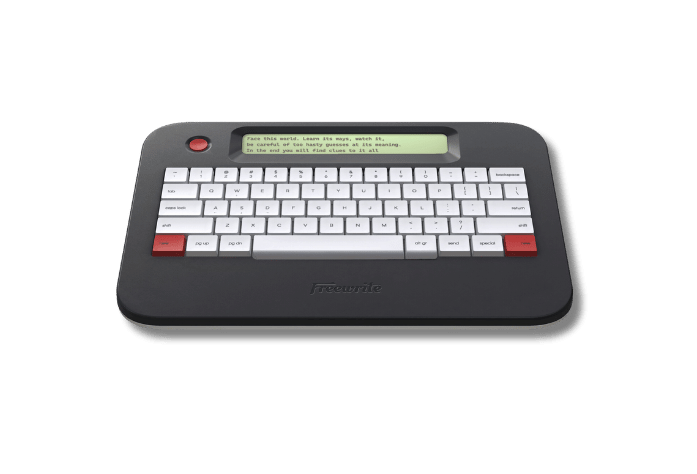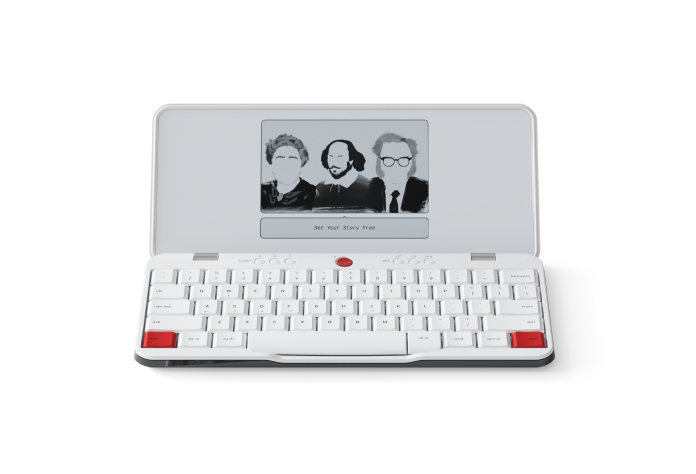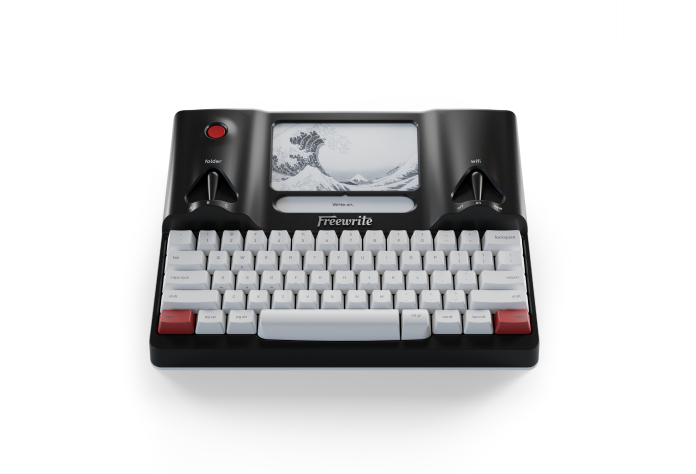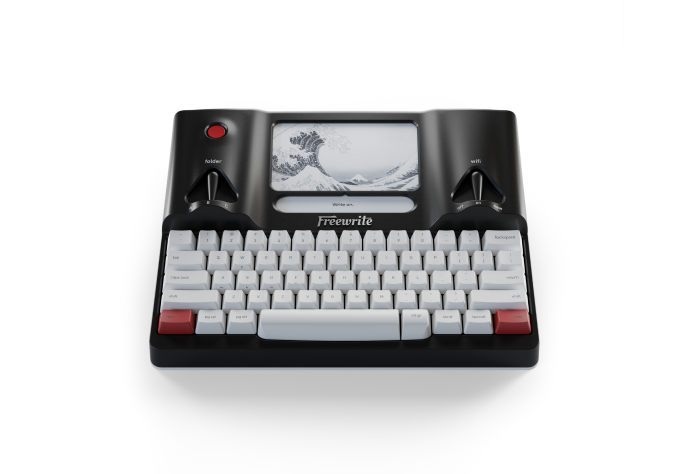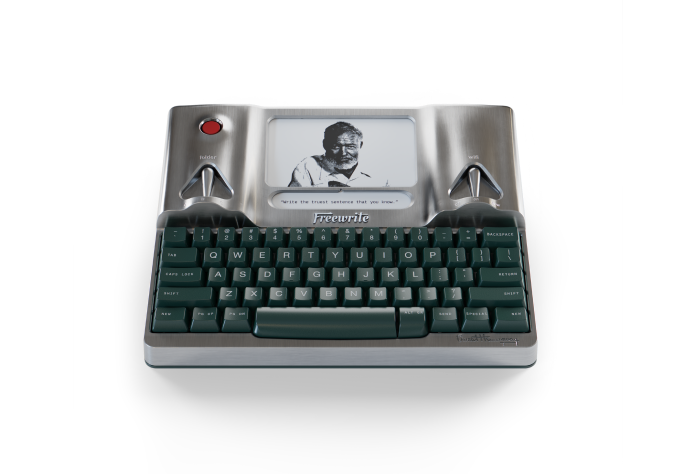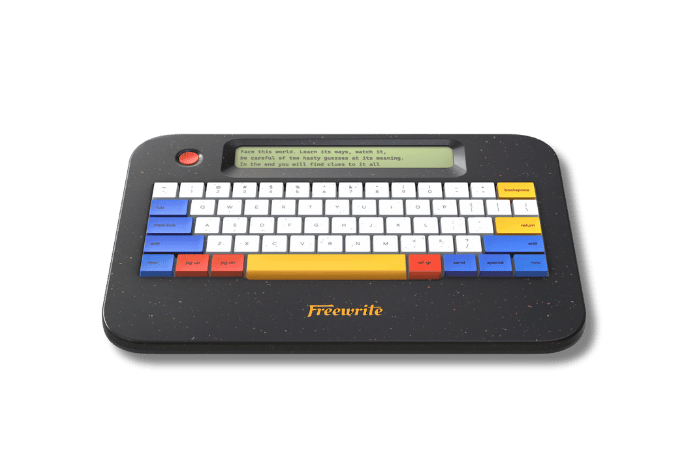
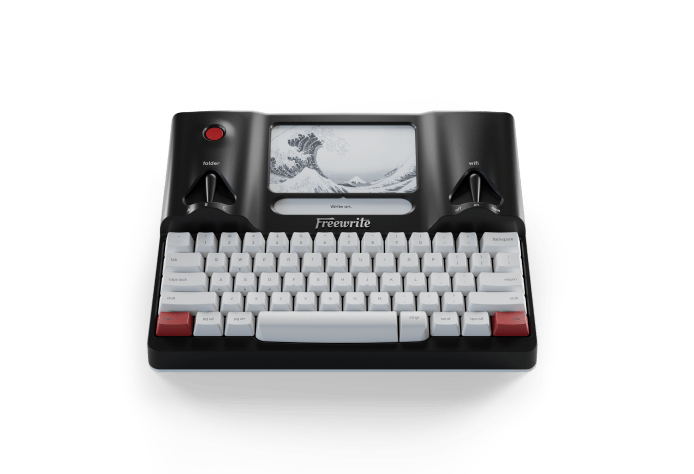
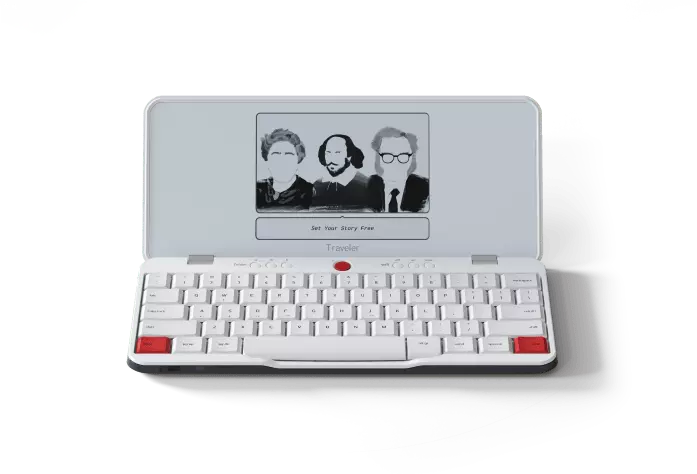
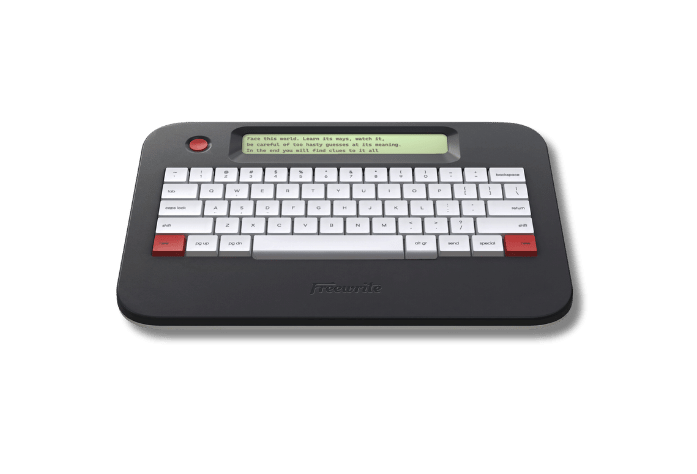
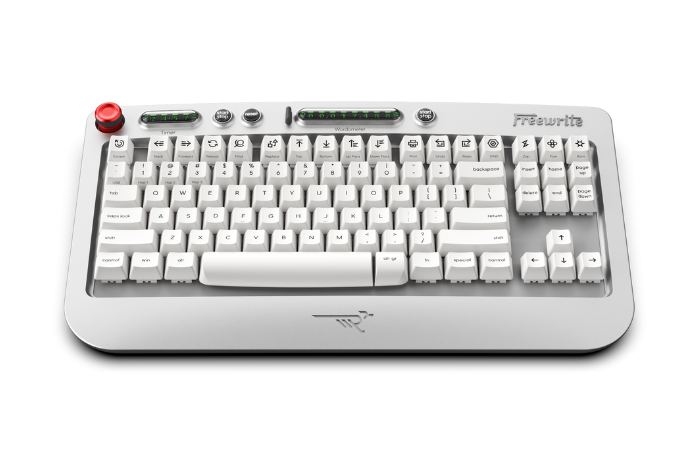
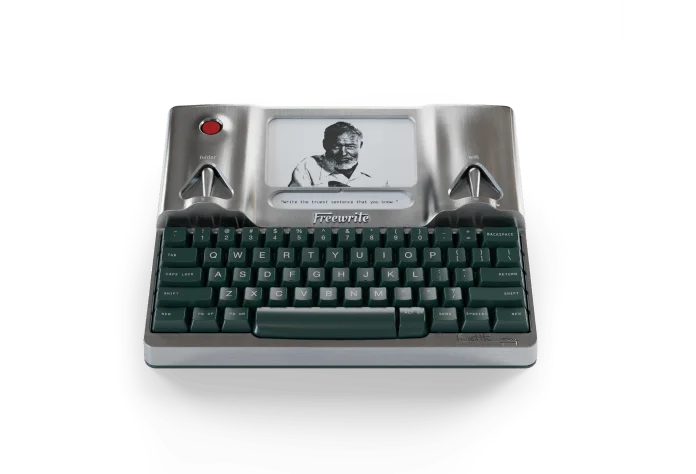
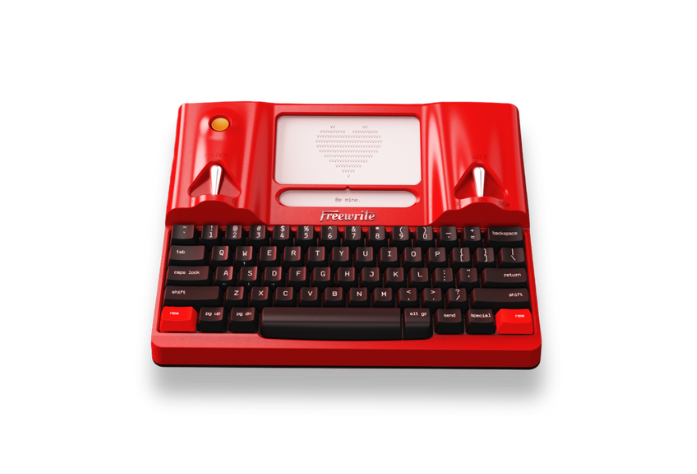
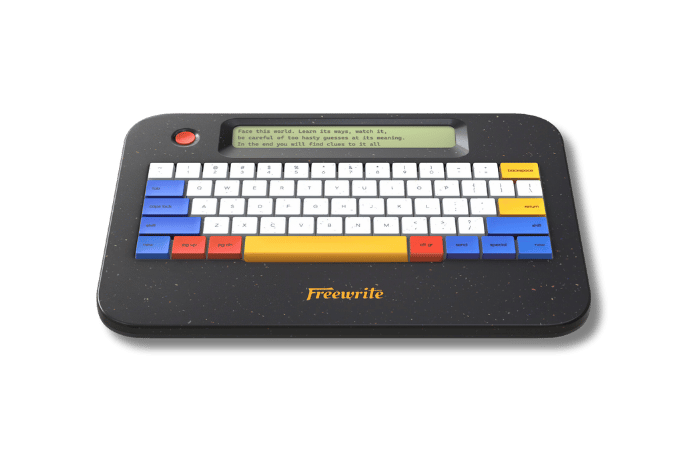
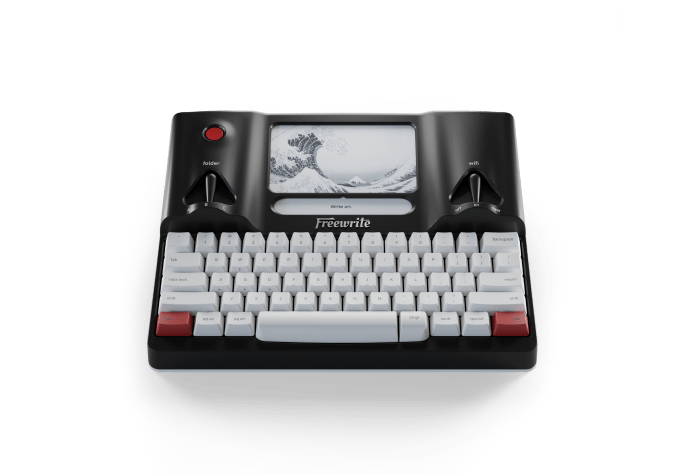
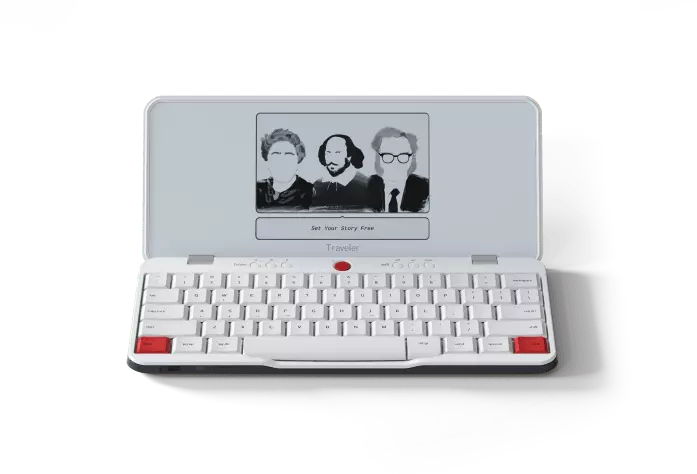
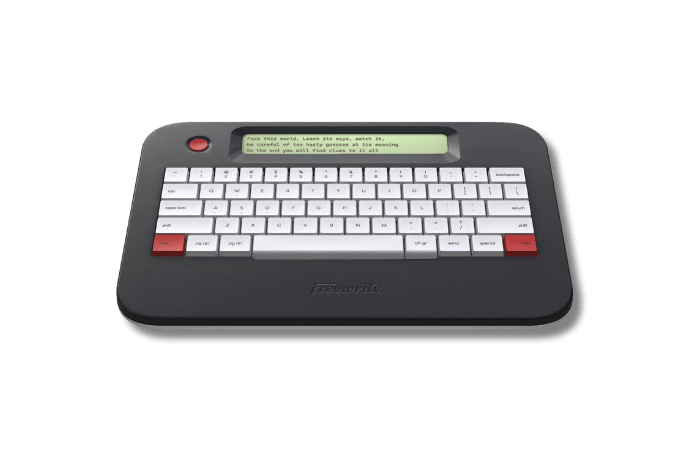
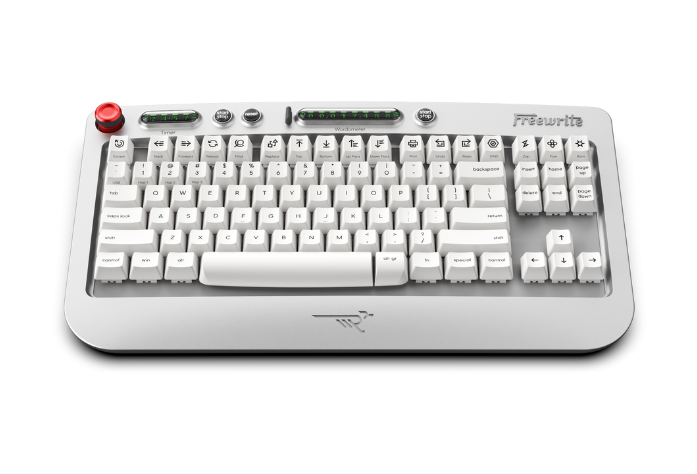
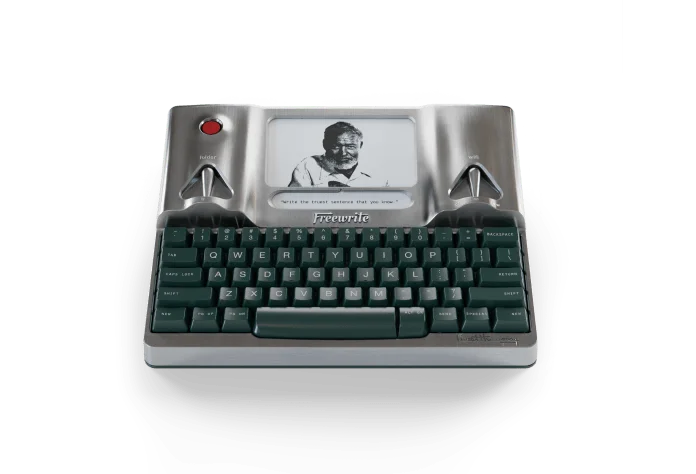
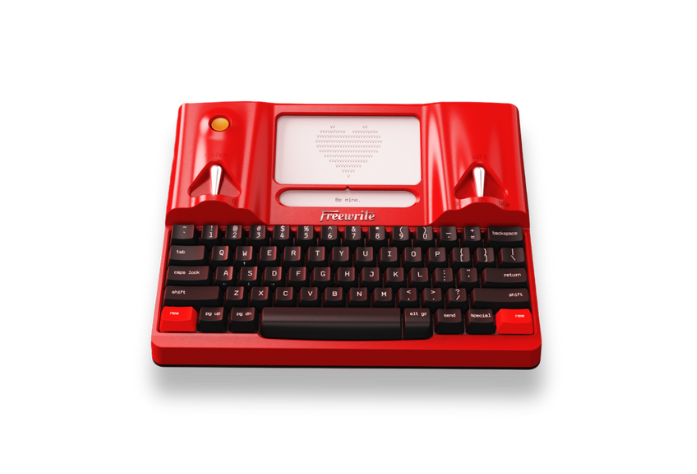
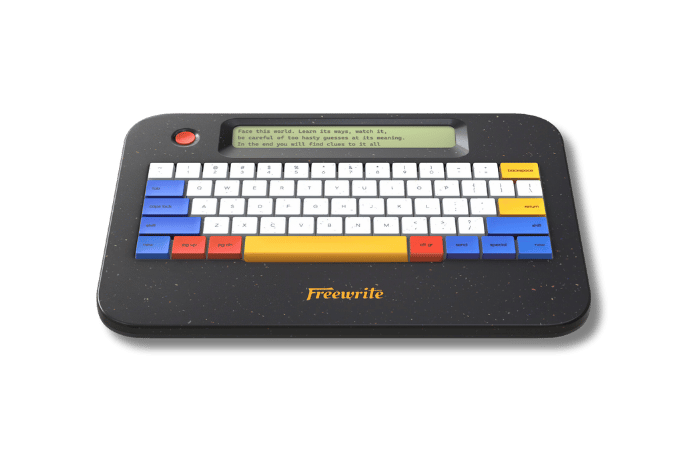
Smart Typewriter and Hemingwrite now come in a "Clicky" option. This refers to the keyswitches included on your device, which can greatly enhance your writing experience. Here's how.
Note: The Clicky Hemingwrite option sold out fast! Stay tuned to find out when it's back in stock.

When you order a Freewrite Smart Typewriter or Hemingwrite, you’ll be prompted to choose between two keyswitch options: the "Normal" version and the "Clicky" version. Both are full mechanical keyboards built for long writing sessions, and both give you a satisfying tactile bump with every keystroke.
The difference comes down to one thing: the click.
🟤 The Standard Version: Box Browns
The standard Smart Typewriter uses Box Brown switches. Browns are tactile but non-clicky. As you press a key, you feel a distinct bump partway down that tells your fingers the keystroke registered. You’ll still hear the familiar sound of a mechanical keyboard as each key bottoms out, but there’s no sharp click layered on top.
Browns are a great fit if you want a responsive, mechanical feel with a more rounded sound. They’re a good middle ground for writers who enjoy feedback under their fingers but don’t need an audible snap on every letter.
🟢 The Clicky Version: Box Jades
The Clicky Smart Typewriter uses Box Jade switches. Jades have a crisp tactile bump paired with a sharp, distinct click on every keystroke. They’re louder and more pronounced than Browns, and many writers say they bring back the rhythm and feedback of typing on a classic typewriter.
Jades are a great fit if you love audible feedback and want even more of that old-school experience.
Which should you choose?
The real question is how much sound you want with each keystroke. If you want a tactile mechanical feel without the click, go with the standard. If you want every word to land with a crisp, typewriter-style snap, the Clicky version is hard to beat.
Either way, you’ll get the same distraction-free writing experience. Write on.