Tu carrito está vacío
960M+ words written 30,000+ happy customers

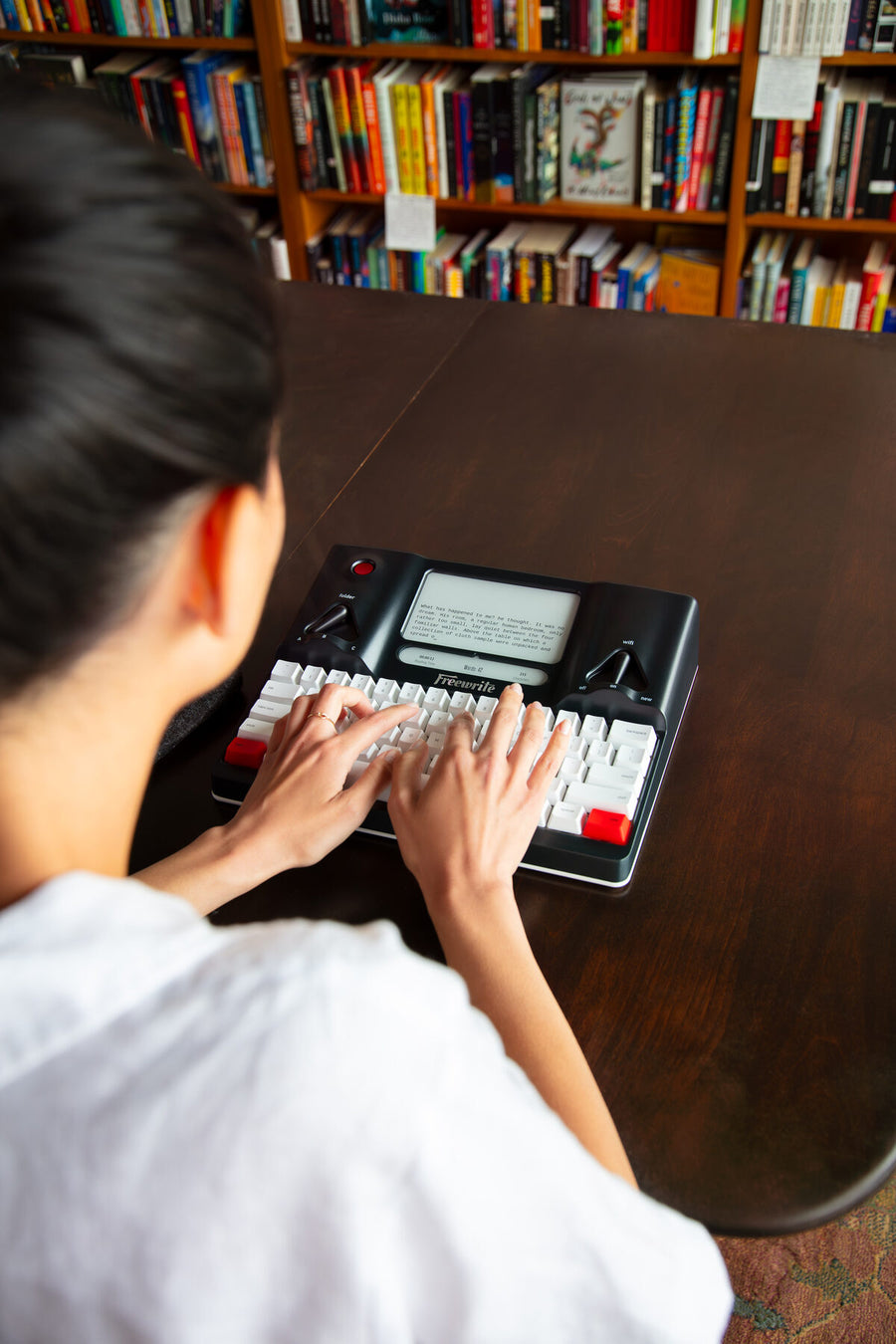
Tap into your flow state with Freewrite’s analog-inspired, distraction-free design. Wrap your script without the interruption – or temptation – of browsers, apps, or notifications.

Write from home, on the go, on-set, and in writers’ rooms. With our lightweight, portable devices, you can easily carry your Freewrite wherever the words take you, wherever inspiration strikes.

Enjoy uninterrupted drafting with Freewrite’s extended battery life, perfect for long writing sessions and travel. Stop seeking out power outlets and start seeking out adventure for your characters.

Set the scene and just write with Freewrite’s tactile, old-school mechanical keyboards. Easily speed-type your way from the hook to ‘the end’ with comfort and ASMR satisfaction.

Easy on the eyes, in more ways than one. Freewrite’s E-Ink display mimics paper, reducing eye strain and fatigue, and increasing productivity for those extended writing sessions.

Capture every idea and securely save your script with Freewrite’s automatic cloud backup and sync. Once connected to Wi-Fi, your scripts are automatically saved to Postbox and your choice of Dropbox, Google Drive, OneDrive, or Evernote.

Easily format your script by using Fountain on your Freewrite device. This will ensure proper screenplay formatting when your draft is exported to Final Draft or other industry software.

Never waste time on tedious, manual reformatting again. Export your finished script in Final Draft Pro for consistent, industry-standard formatting.

Make starting easier, boost concentration, and meet your targets with Freewrite’s built-in timer for writing sprints. Also, press [special] to cycle through console screens to see key data like word count, stopwatch, and reading time.

STEP 1
Unbox your Freewrite and start writing. With no in-device distractions, you can focus solely on preparing your high concept, character backstories, act structure, treatment, and logline.

STEP 2
Here’s where things get juicy. With Freewrite’s satisfying keyboard, comfort, and portability, you’ll be surprised by how quickly you draft up your dialogue, scene descriptions, voice-overs, and montage sequences.

STEP 3
Increase your creative output and power through those final scenes with pleasure and ease. Draft first, edit later, and do it all over again with your next script.
It’s a screenwriter's number one enemy: distraction.
Whether you’re working on a script for a movie, TV series, play, podcast, or video game, interruptions yank you out of the scene and derail your creative flow.
It’s tough, right? Trying to write for the big screen when the little screen in front of you keeps pinging with notifications.
Add to that editing as you write, worrying about low battery, straining your eyes against blue light, and opening a new tab to fact-check ‘just one last thing’ and it’s no surprise many aspiring writers have trouble finishing their script.
We’re more connected than ever. But ironically, it’s harder than ever to stay connected to your craft.
With Freewrite, you can press ‘delete’ on all those worldly distractions and finally finish the script only you can write.

Single-purpose functionality

Pleasing paper-like resolution

No notifications or distractions
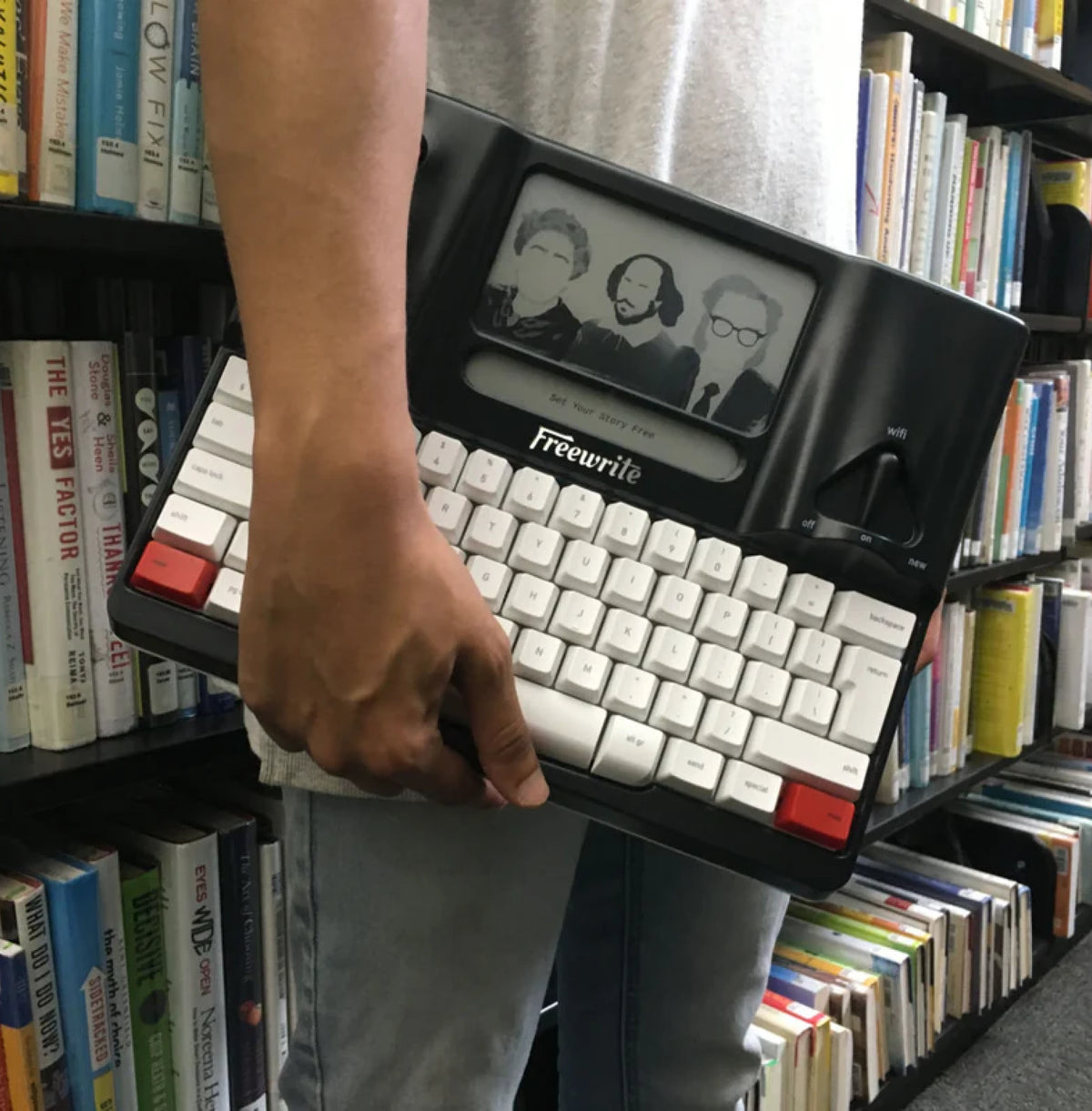
The secret to becoming a prolific screenwriter is simple: draft first, edit later.
This method silences your inner critic, which sets you free from constant stop-and-start. And drafting without looking back gives you forward momentum, increasing productivity and encouraging you to let your creativity pour out.
Freewrite helps you block out the noise of the outside world, sink into your script, and do the one thing you’ve been procrastinating on – getting the writing done.
It’s no accident that our devices don’t include robust editing tools. Freewrite is crafted for drafting and our devices help writers 2x their creative output.
When it’s time to edit, you can easily export your work to Final Draft Pro in Foundation Markup language, and polish your script until it’s ready for the table read.

Be prolific

Write focused

Remove self-criticism

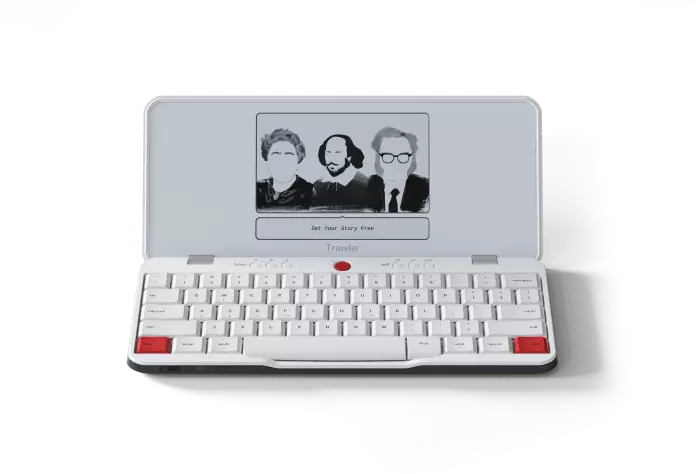
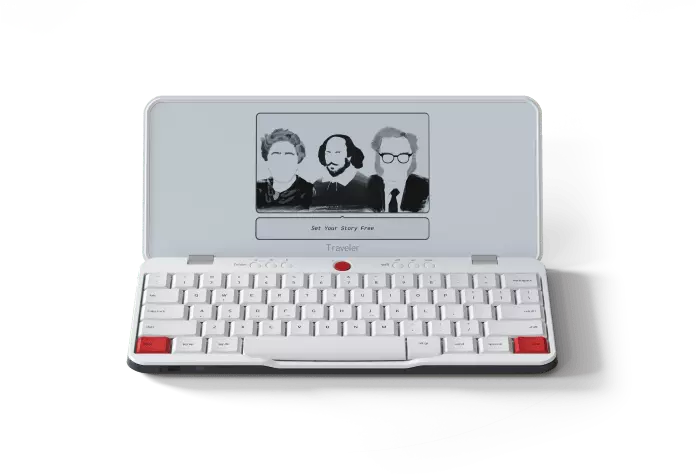
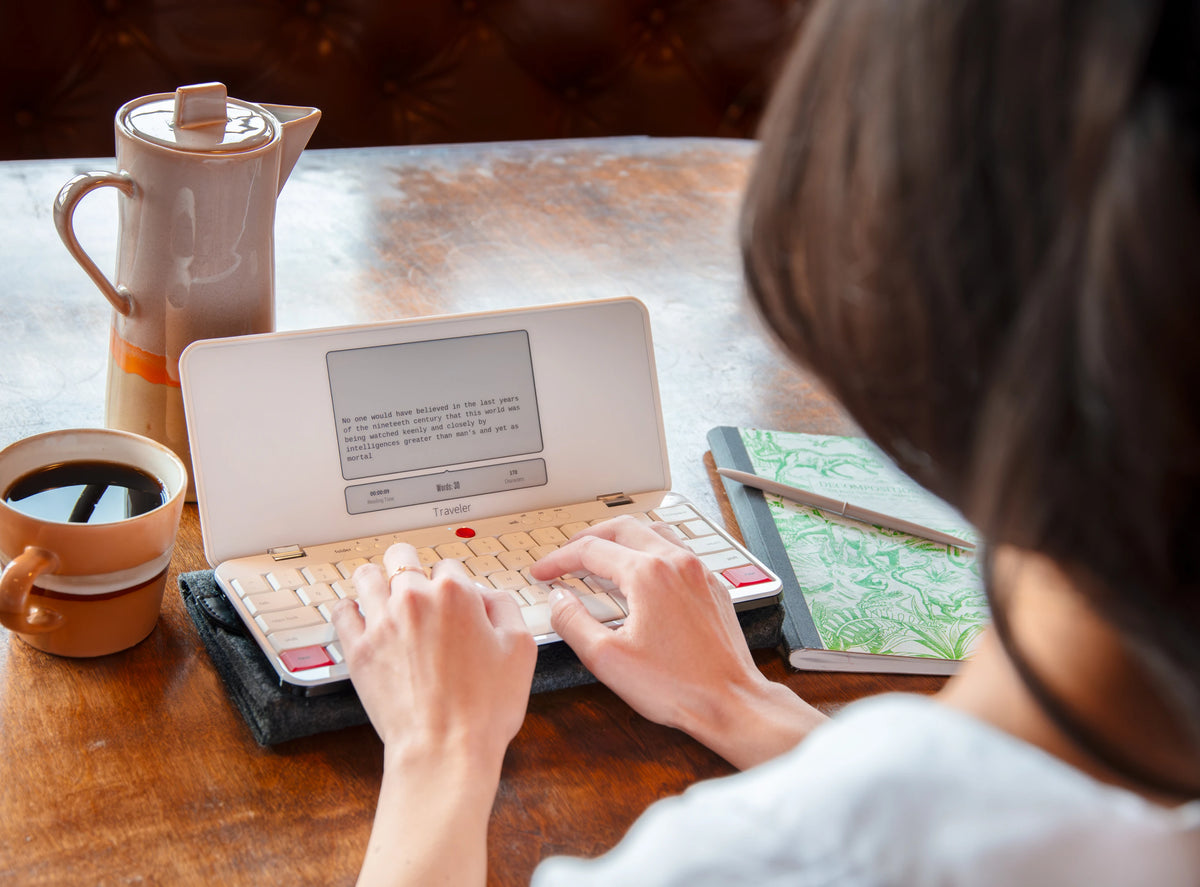
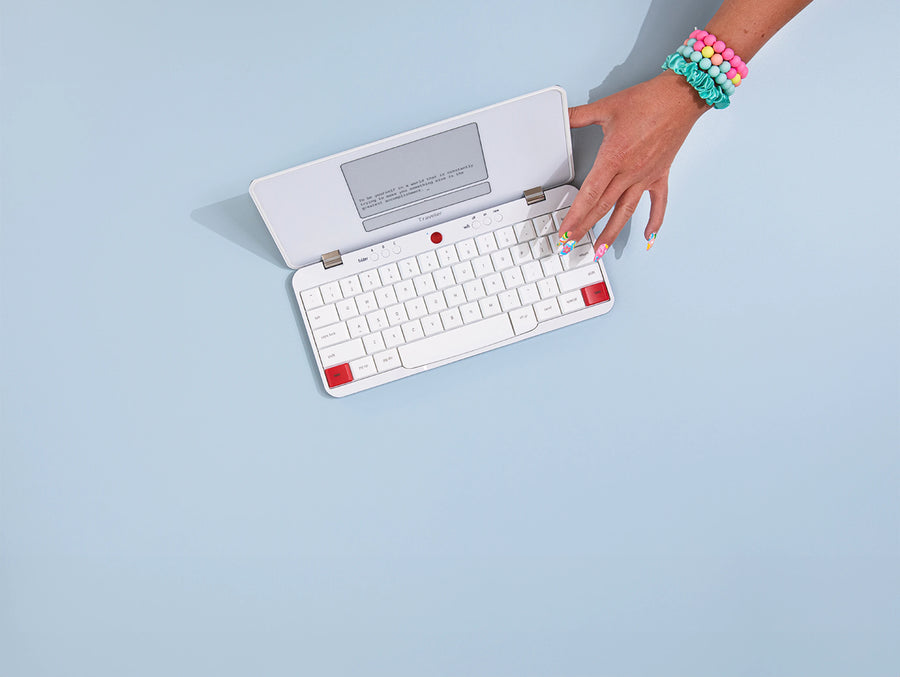
Portable and perfect for writing on the go and on-set
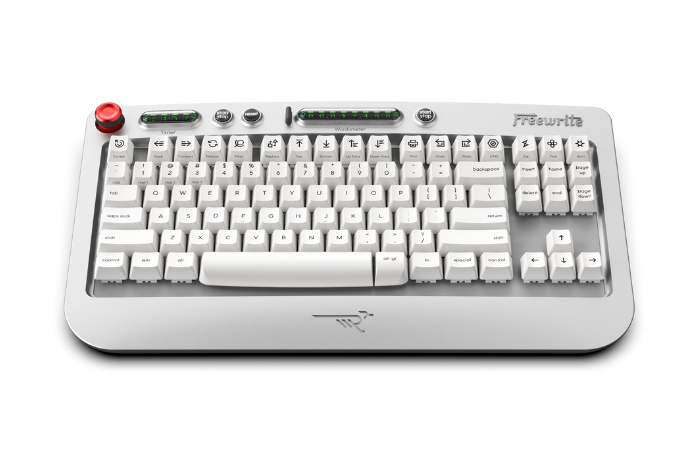
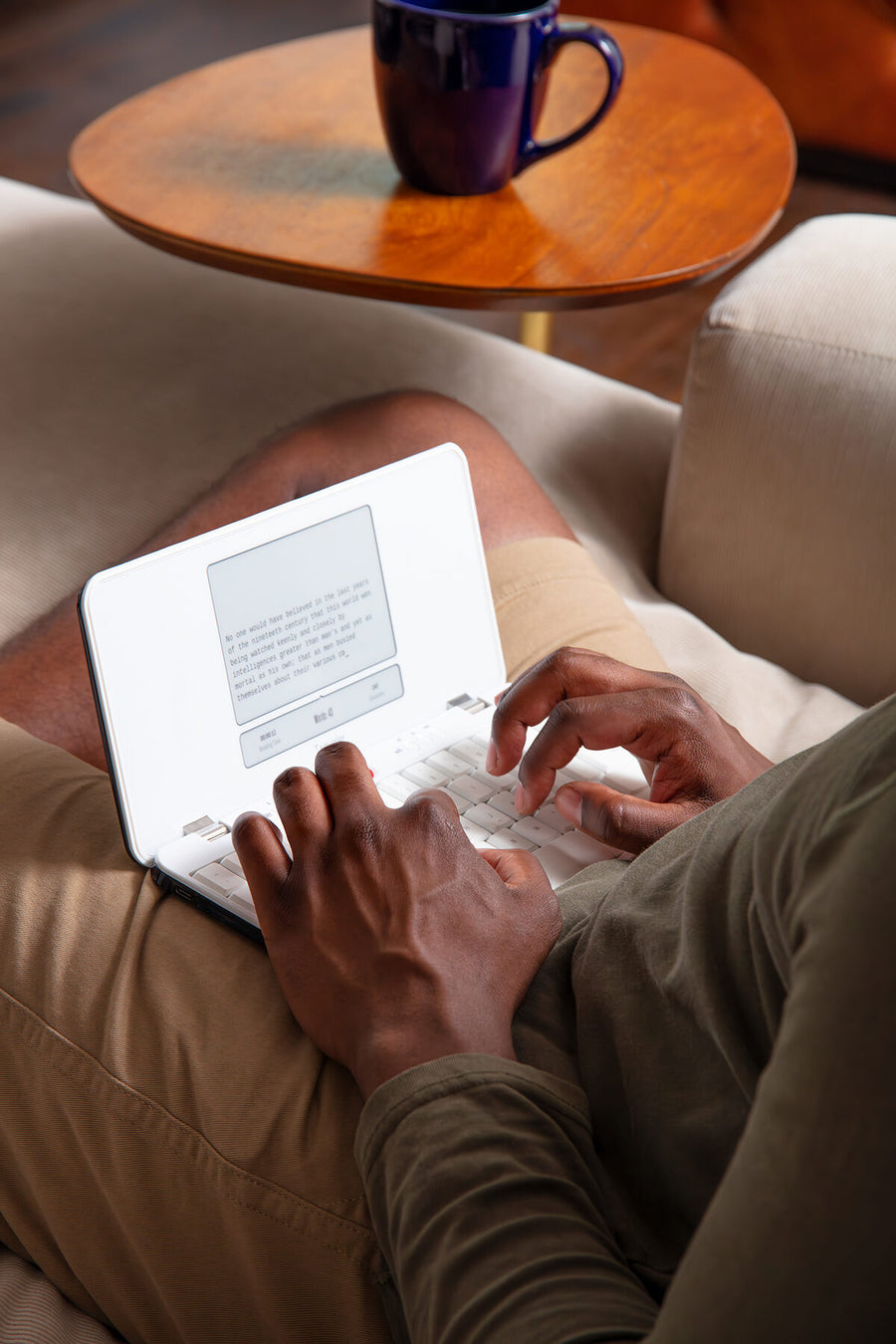
Full-sized keyboard and comfy clamshell design

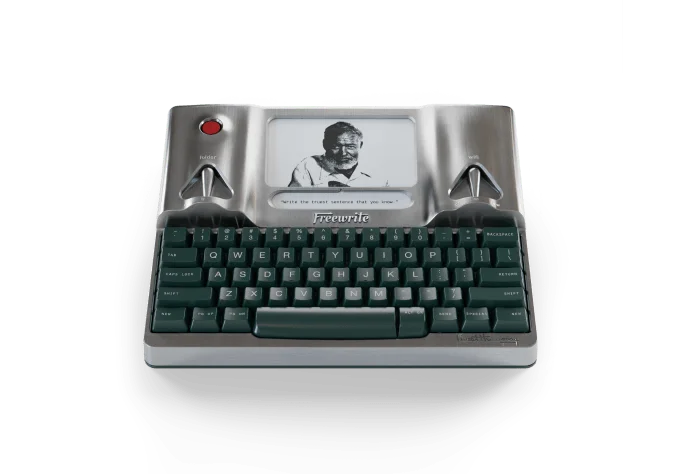
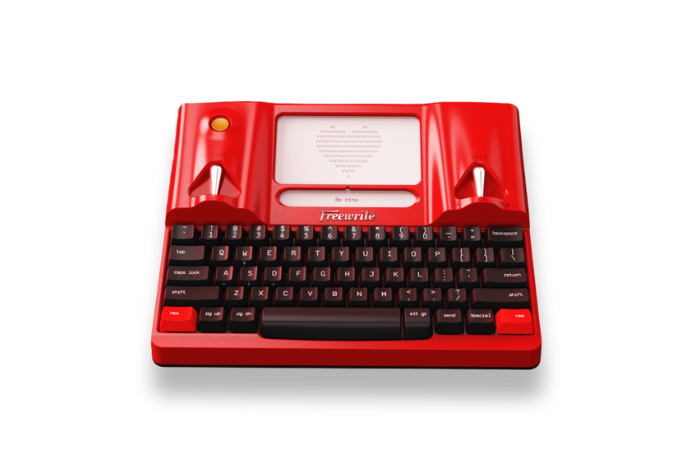
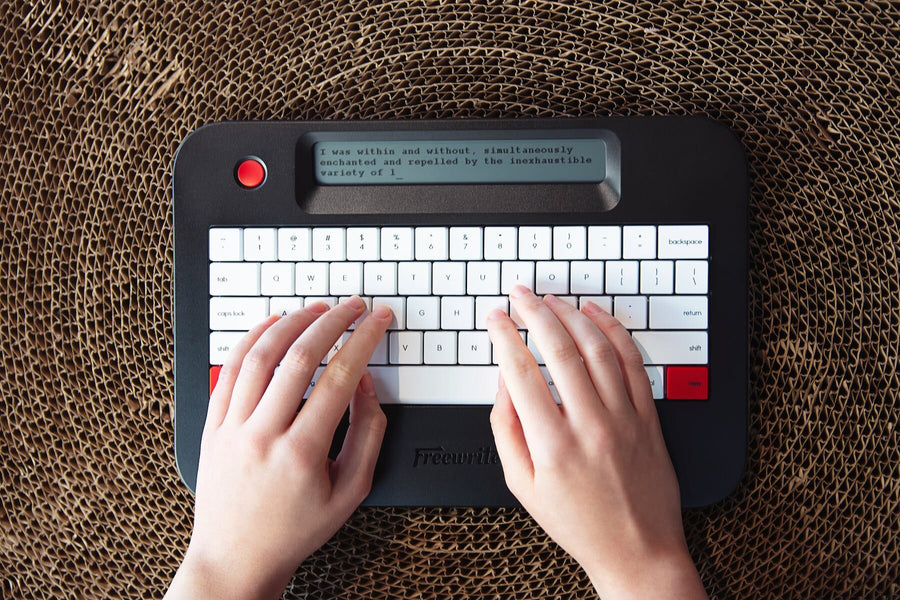
Classic and original with a tiered mechanical keyboard
E-Ink display with warm front light for writing day or night
Embrace focused writing with Freewrite's single-purpose design.
 Freewrite |  Computer | |
|---|---|---|
| Purpose |  Single-function: writing focus |  Multi-functional: work, entertainment, and communications |
| Distractions |  Distraction-free: serene writing oasis |  Many distractions: social media, email, notifications |
| Internet Access |  No open internet access or apps. Just 3rd party document syncing |  Open internet access creates temptation |
| Display |  E Ink sunlight readable or right-sized LCD |  Backlit and reflective screens strain the eyes |
| Environment |  Soul of a typewriter, focus in “the zone” |  Page with red underlines and grammatical suggestions |

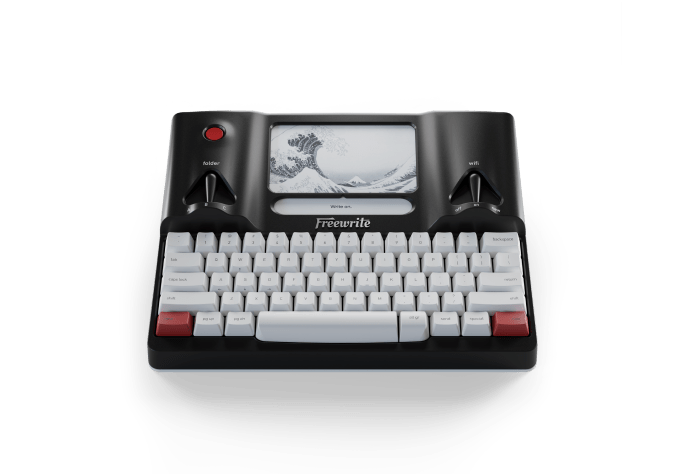
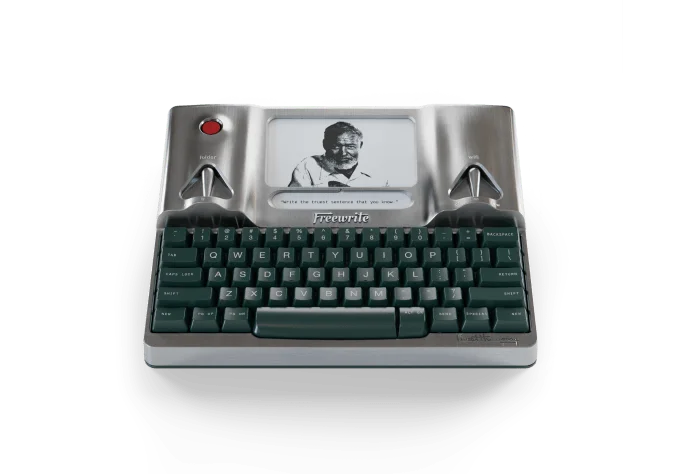
Hemingwrite
“Extraordinary typewriter for new book author and seasoned screenwriters! I invested into this amazing and extraordinary smart typewriter, I'm writing my 1st novel and hopefully another Rom Com Screenplay!”
Nelson Beltran , novelist and screenwriter

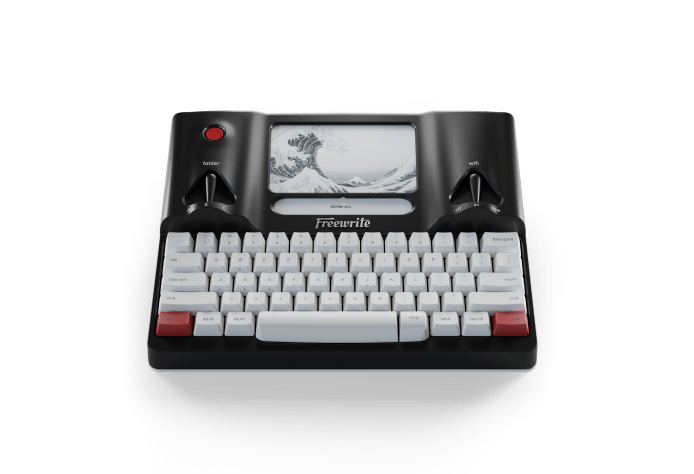
Smart Typewriter (Gen3)
“Didn't realize quite how well it would work for screenwriting. Typing in the simple Fountain format, it easily saves as a Final Draft document, allowing me to clean it up later in Final Draft or Highland 2. Been fantastic for getting the first draft of scenes done.”
Read Mark's workflow article on how to use Freewrite for screenwriting.
Mark L. , writer
Screenwriter Spotlight
Writing for the Screen and the Page with Freewrite
By day, Bobby Miller is an acclaimed film writer and director. By night, he’s a prose fiction writer, seamlessly shifting between scripts and stories using his Freewrite.
Bobby’s cinematic journey began in the 5th grade and has led to notable works like the short film Tub and his feature film The Cleanse, starring Johnny Galecki and Anjelica Huston. During the pandemic, Bobby ventured into prose, publishing short stories and working on his debut novel, which caught the attention of literary agent Dan Milaschewski at United Talent Agency.
"I really want that first draft to be free of overthinking," Bobby says. "In today’s endless world of distractions, [freewriting has] become my happy, focused place."
Bobby’s writing philosophy is simple: “Don’t edit, don’t try to get it perfect. Just keep moving forward.” This approach helps him stay focused and creative. Read Bobby's full interview here.
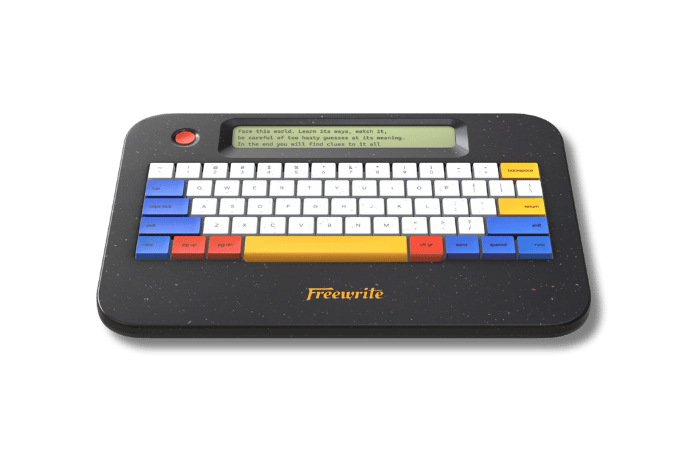
 Traveler
Bobby Miller, Writer and Director (TUB, The Cleanse, Critters Attack!)
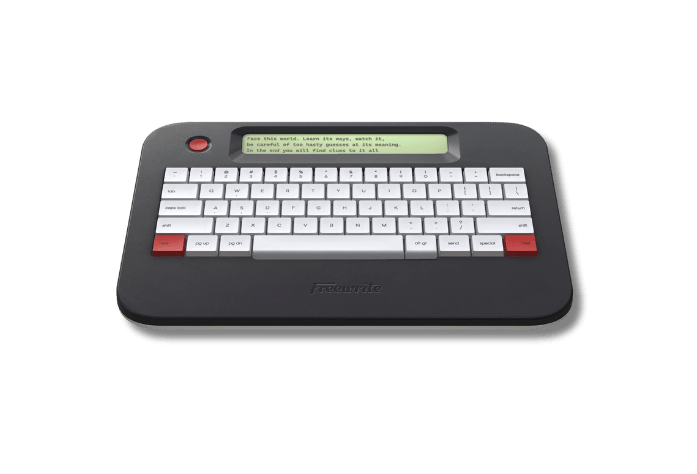
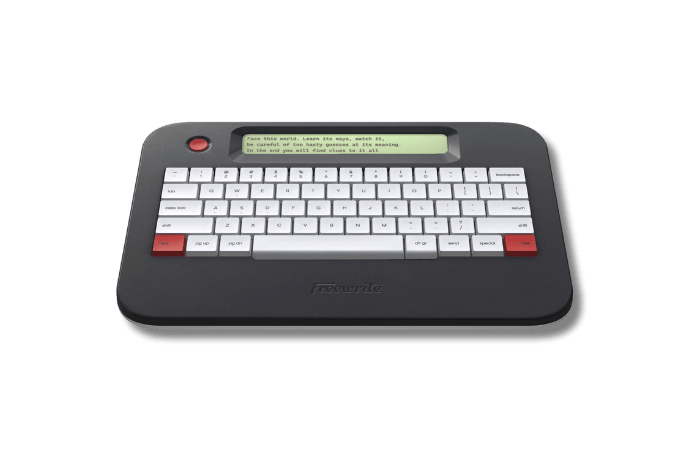
Write on.

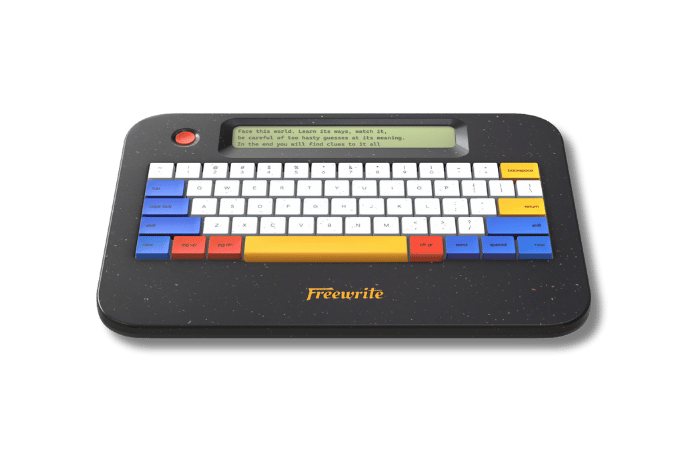
Your instant creative canvas.
For budding writers, enhanced with lasting battery and fast LCD screen.

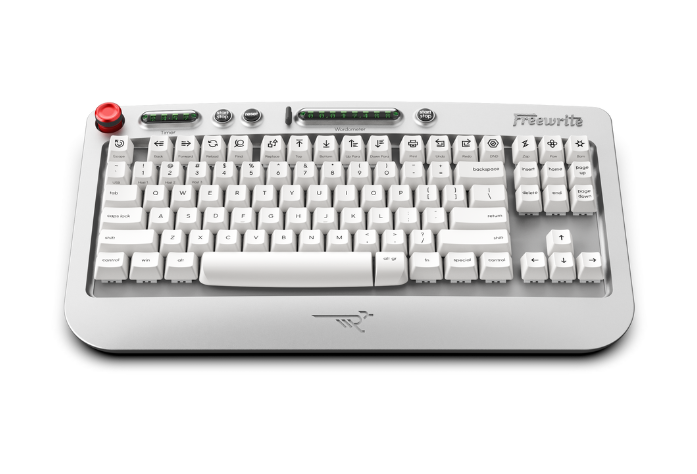
Classic and original.
Tiered mechanical keyboard and frontlight E Ink screen.
Laptops are multi-purpose, which means it’s all too easy to dip into emails, browser tabs, and social media when you’re trying to focus on writing. As a dedicated drafting tool, Freewrite is built for one purpose – to help you write. With Freewrite’s distraction-free writing environment, soothing E-Ink display, portability, long battery life, easy cloud backup, and tactile keyboard, you can focus on nothing but writing – and finishing – your script.
Freewrite has a range of devices for writers of all kinds. For scriptwriters, we recommend the Smart Typewriter and the Traveler. But we would also encourage you to browse our range and choose whichever device is calling your name.
No, you can't install Final Draft on Freewrite.
HOWEVER! Freewrite supports using Fountain syntax to draft screenplays. Documents will be rendered in screenplay formatting when published as a PDF and can also be exported to cloud storage as an .FDX Final Draft screenplay file.
Read more about formatting screenplays on Freewrite from Mark LaVine in his section "Finding Your Way With Fountain" on page 82 of The Writer's Guide To Freewrite.
For more technical information, visit our support document on Screenplay Writing on Your Device.
While there are limited editing features on a Freewrite, there is no spellcheck or distracting waving lines underneath misspelt words. The reason behind this is to remove the temptation to revise as you go and encourage you instead to draft forward. At Freewrite, we subscribe to the philosophy of draft first, edit later. This method is used with great success by many professional scriptwriters.
What if you could produce double the number of scripts you finish in a year? Or halve the time it takes to write one? You'd feel even more accomplished, creative, and efficient, right? With Freewrite's single purpose and premium build, combined with a beautiful, easy-to-use design, our customers report a 200-300% increase in their creative output. This sharp uptick in productivity means more time saved and more scripts written – a huge return on investment. If you want to be a prolific scriptwriter, this is invaluable.
It's easy to draft screenplays. All you need is this simple trio: Freewrite, Fountain, and Final Draft.
Read how Mark LaVine uses Freewrite to pitch, draft, and deliver screenplays.