overlaylink

We Conquered the Lag: The Freewrite Firmware that Transforms Typing on E Ink

novembre 19, 2025 | 3 lire la lecture

Introducing the Freewrite firmware that makes typing on E Ink as smooth and fast as thinking.

It's named after the fastest fish in the ocean for a reason.

Write at the Speed of Your Thoughts

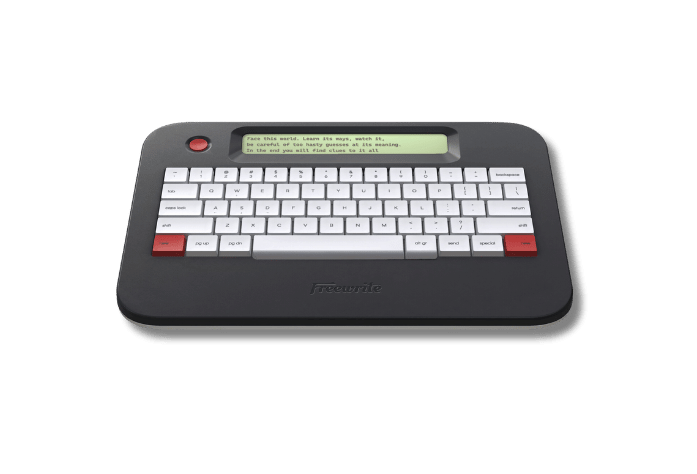
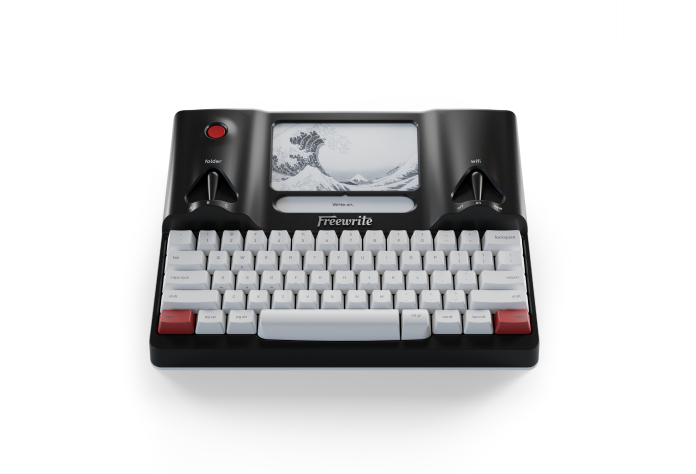
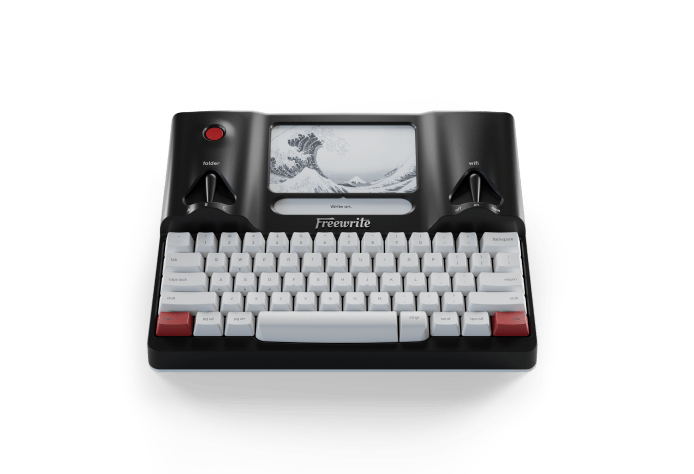
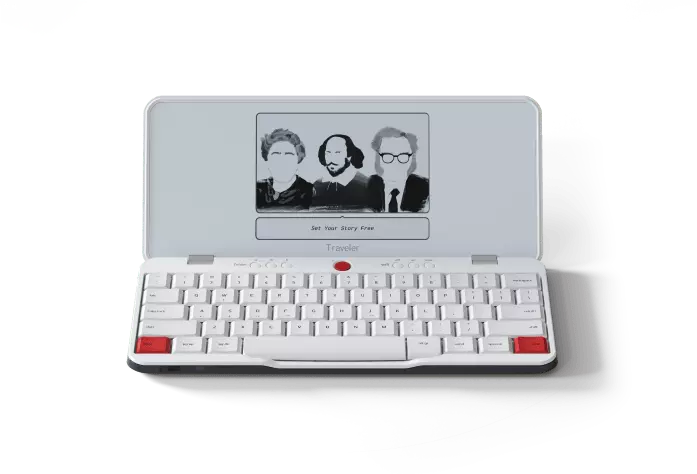
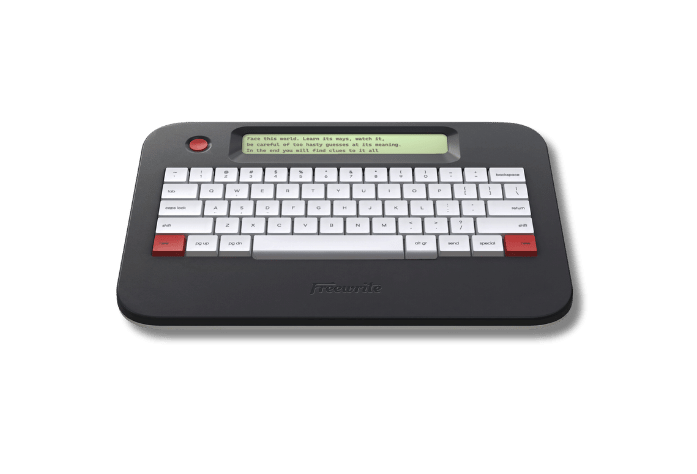
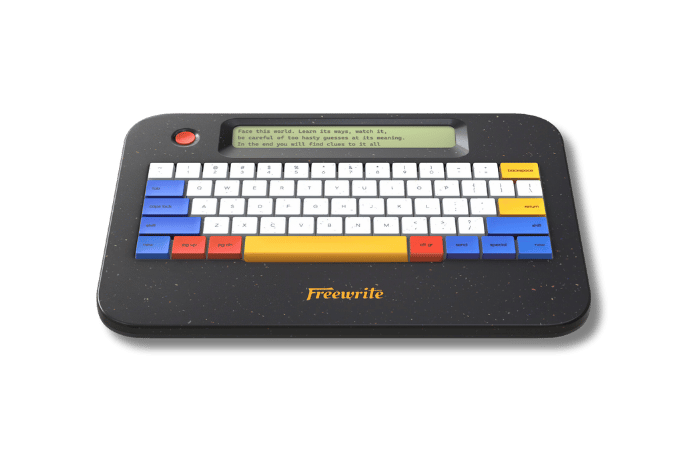
Sailfish is a full top-to-bottom rewrite of the software that runs on Smart Typewriter and Traveler.

In software, the common wisdom is that a rewrite is almost never the answer. Turns out that sometimes, it’s the only option.

In 2015, we started the Freewrite journey by creating a distraction-free writing environment using a brand new technology (at the time) that allowed us to use standard web development languages (i.e. JavaScript). We picked an architecture that made sense for us at the time, choosing speed of development over performance.

Well, startup life isn’t easy, and we stayed on that software architecture a lot longer than any of us expected. We did many optimizations over the years but none could match the performance of a native application.

So, we decided to burn it all down and rebuild.

It was the only way to move forward with the advanced features we dream about creating. But doing a full rewrite was a big project! (Kind of like rewriting your novel from page one. 😰)

The software needed to work on two similar but unique hardware platforms, and it needed to provide the same core Freewrite experience — but vastly improved. We also didn’t want to launch missing any features.

It took a full year of daily effort from the entire Freewrite team, especially our small team of firmware developers, to rewrite the platform. (Which we did in Rust, for you software nerds out there.)

The result is better than we could have hoped for:

🏃 Latency is virtually gone.

Sailfish is 40% to 100% faster from key press to a character showing on the display.

In practical terms, that means it takes about half the time for a character to appear.

Or, as one beta tester put it:

“The new firmware makes typing laptop fast. […] Hard to believe it's still E Ink.”

Beta Tester Mark L.

🔋 Battery life is dramatically improved.

While typing, power consumption is 30% less. While idle, power consumption is up to 50% less!

Yes, all from a pure software update.

This means dramatically improved battery life in all situations AND dramatically improved performance.

"I have to admit, I’m astonished by the improvement.”

Beta Tester Michael J.

⏱️ Every single operation is faster.

Waking, sleeping, changing drafts, navigating, it is all done without a hiccup.

Switching between drafts is a lot faster, as well as using the “new” + “pg up/down” features. Now you can move throughout your drafts at the speed of thought.

Booting up is faster, too, even with the addition of a brand-new animation by artist Mathias Lynge designed to help you center yourself before your writing journey begins and celebrate what this update means for Freewriters.

"I've always been told that E Ink couldn't give instant responses without lag, and now with this update I can finally tell people that's not true."

Beta Tester Will B.

This firmware is more than an update. It's a modern foundation for the future.

This is a brand-new starting point for the Freewrite family. It will enable us to build upon it in brand new ways and continue improving the Freewrite experience ecosystem beyond what has previously been possible.

We're super proud of this monumental effort by the team and can't wait for you to experience it on your own Freewrite Traveler or Smart Typewriter.

Don't take our word for it. Download 3.0 today.

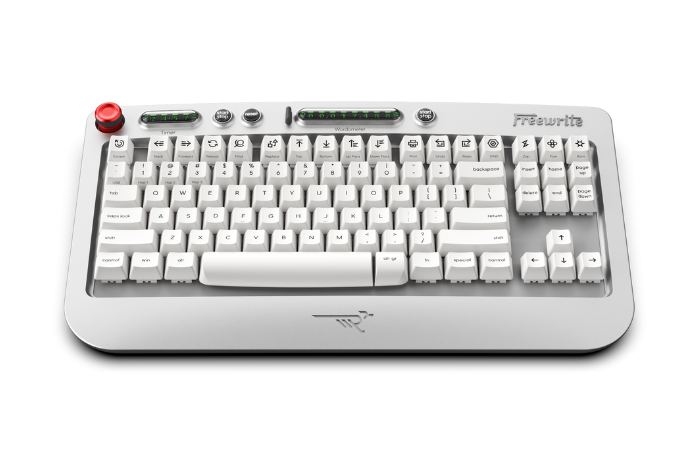
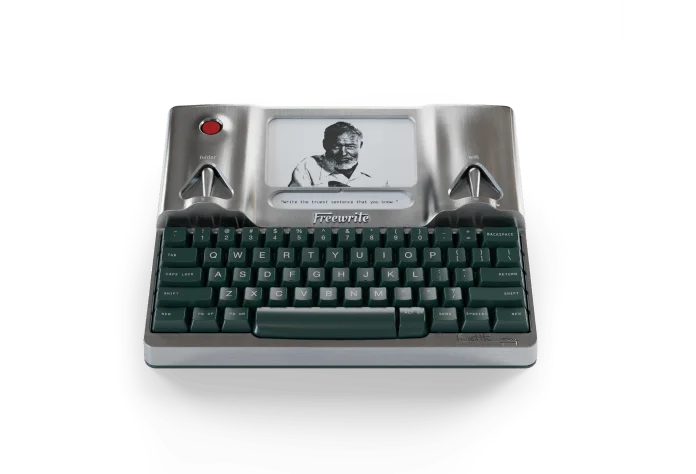
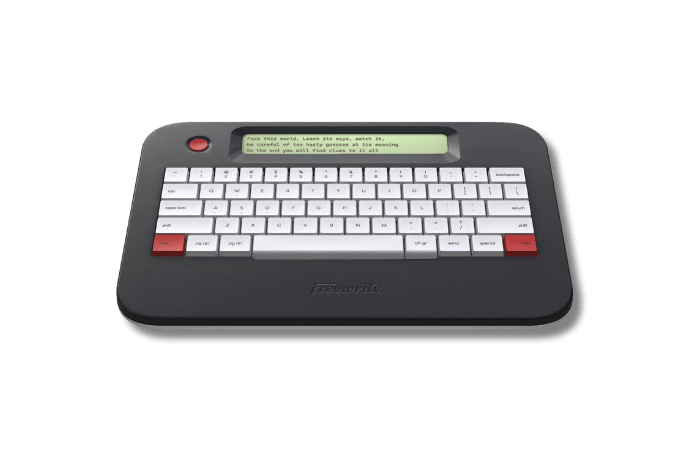
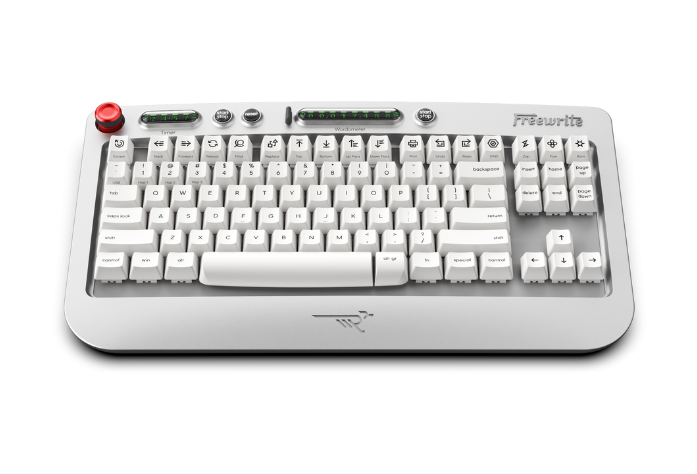
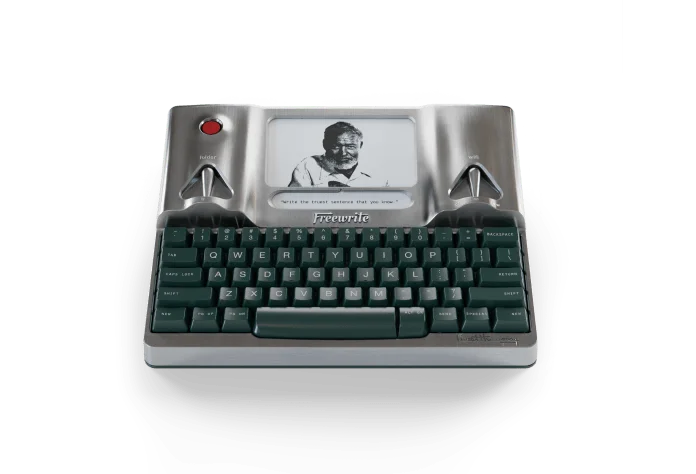
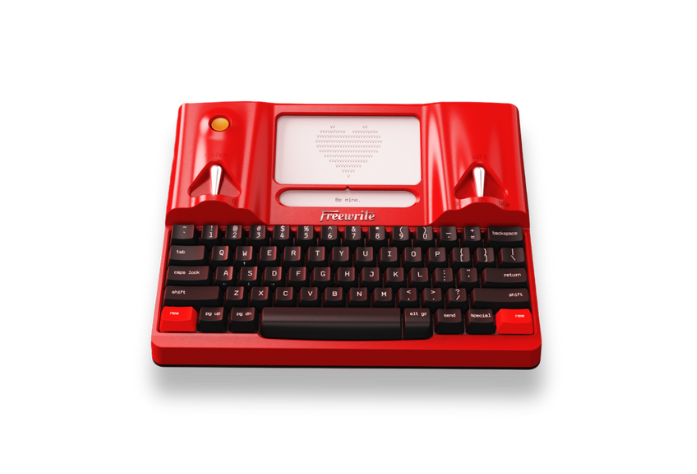
The best part is that all of this new performance is 100% free to you and will be available via over-the-air update for:

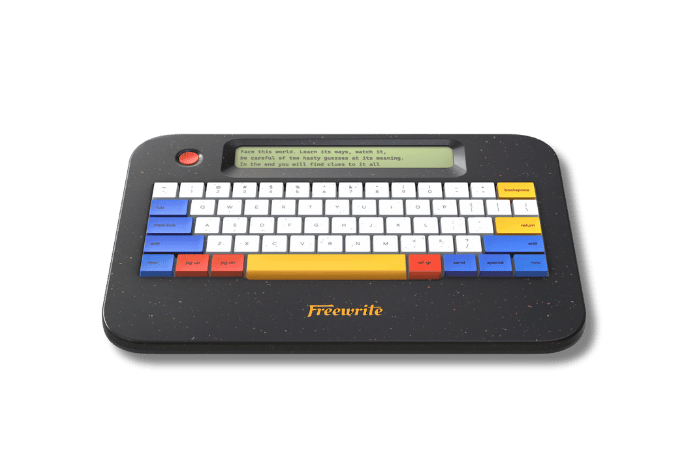
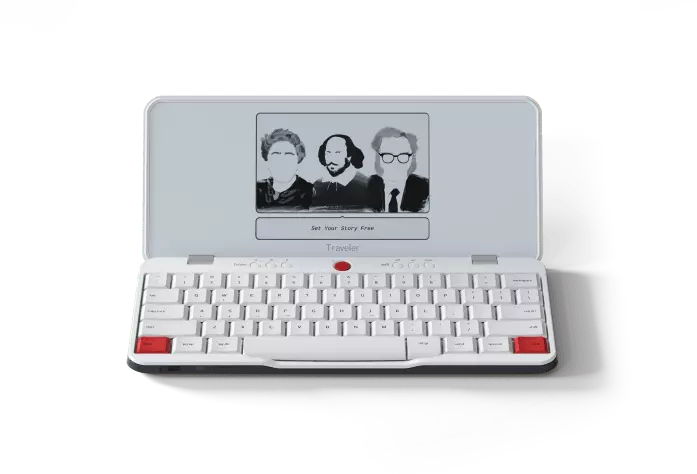
  • All Traveler models, including Ghost
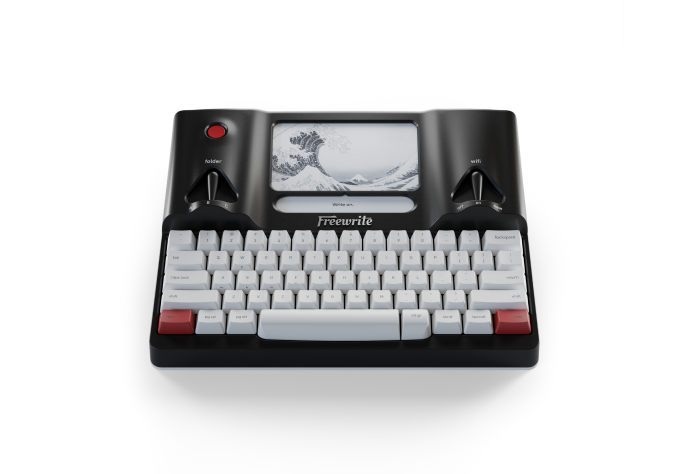
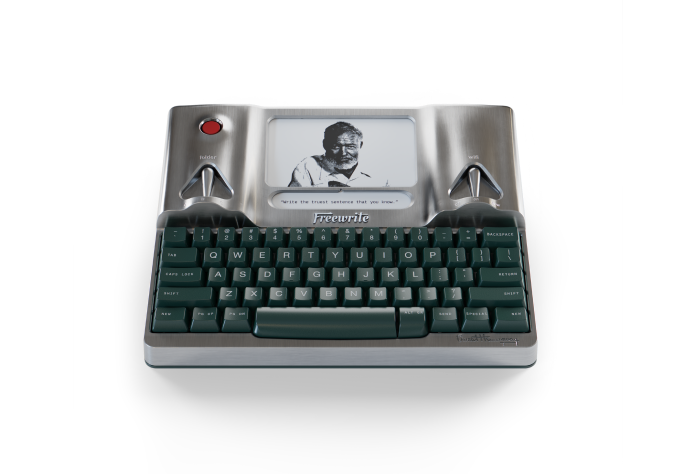
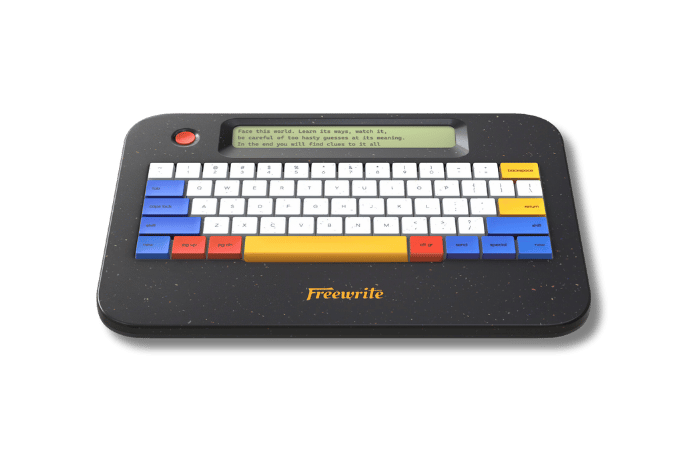
  • Smart Typewriter Gen 3 (including Ink, Lemon, and Mint)
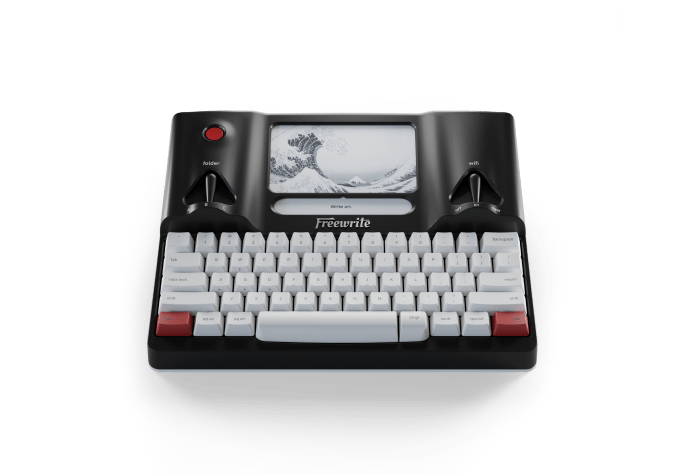
  • Hemingwrite Gen 3
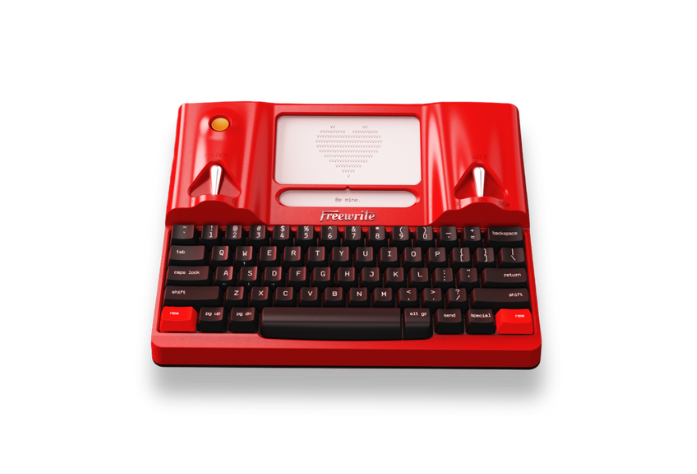
  • Valentine

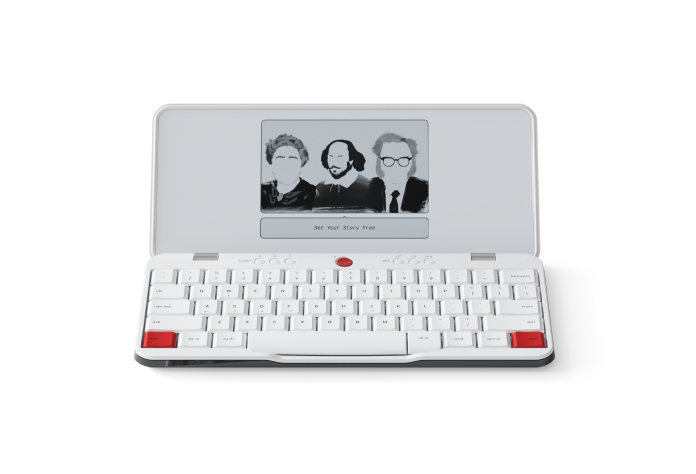
Note: Alpha uses a different screen and software base. The performance on Alpha’s LCD panel is already optimized.

Firmware rolls out automatically and will be available on your device when connected to Wi-Fi. You can also manually check for an update using these instructions:

For a full list of firmware improvements and fixes, please visit our Release Notes page.

Write on!

The Freewrite Team


P.S. With every firmware update, we also add another classic author to the screensaver lineup. Last time, it was Agatha Christie. Who can name the new writer this time around?

We’re all just dreaming the impossible dream every time we face the keyboard!

P.S.S. Love the new bootup animation? Read all about the animator, Mathias Lynge, here.

août 26, 2026 5 lire la lecture

Freewriter Mike Somerby left a lucrative marketing career in e-commerce to start a print-only literary magazine by and for Montanans. Yes, you read that right.

We sat down with Mike to find out how ... and why.

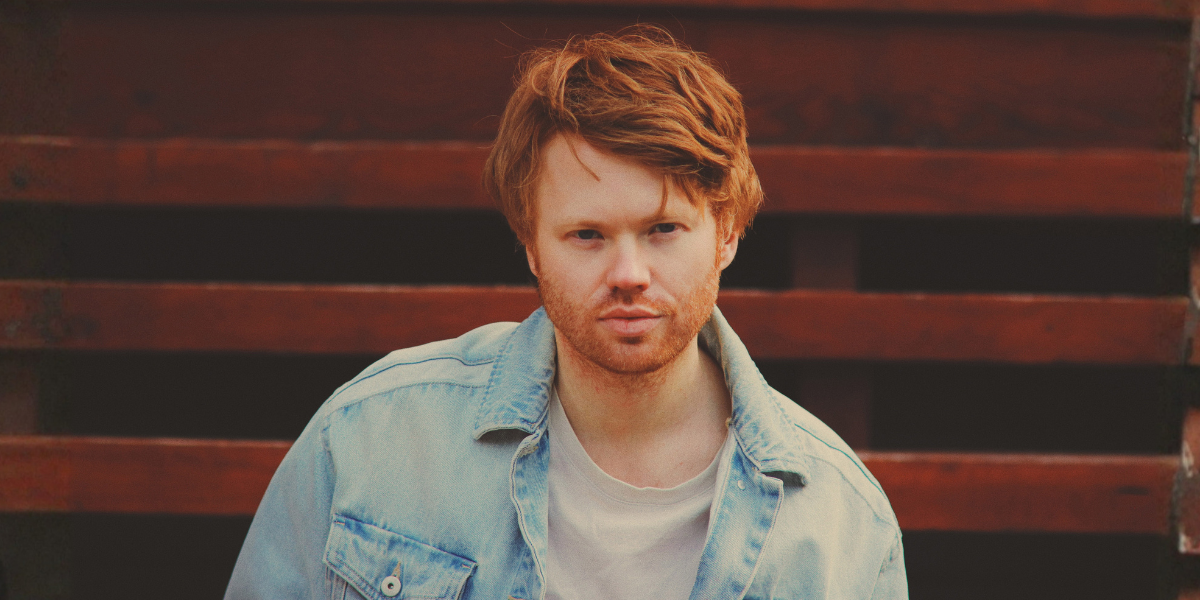
Mike Somerby identifies as a writer — with some reservation.

"I think all who write are 'writers,'" he says, "even if the writing itself amounts to a simple letter to a friend or a personal journal entry."

We couldn't agree more. And we're thrilled that this particular writer writes his essays on Freewrite. Maybe that's why we felt comfortable asking him:

What inspires a professional brand marketer to leave his 9-5 and jump feet-first into the literary world of Bozeman, Montana?

Luckily, he was happy to tell us.

AC: Before we get into the lit mag, it actually isn't your first foray into the literary community, right?

MS: For about ten years — the lion's share of my professional chapter — I worked, in some capacity, as a brand marketer. Last spring, while enduring a particularly grueling stint as CMO for a Montanan e-commerce brand (yes, those exist), I found myself revisited by the remarks of an old journalism school professor: from his perspective, journalism students who apply their storytelling talents toward PR and marketing have crossed over to "the dark side."

While I find this a touch heavy-handed, I get the point, and I believe his notion resurfaced to meet the moment: we live in a world sorely hurting for analog (human) creativity and high-quality longform.

So I quit, traveled west with my dog in a 1986 U-Haul I'd converted into a camper, and plotted.

Step one: I founded Pulphead, a lounge (named after John Jeremiah Sullivan’s seminal 2011 essay collection) where Bozeman writers commune and grind out their prose until 2 a.m. Entry is a flat $5, which comes with unlimited drip coffee and tea.

Step two: leverage the Pulphead regulars and its online following to secure contributors for my new literary magazine, ANEMONE. Thus far, everything is going to plan.

We live in a world sorely hurting for analog (human) creativity and high-quality longform.

AC: Why do you think it's so important to create and preserve these spaces for authentic writing?

MS: Writing is a solitary act. Nonetheless, younger generations, in particular, struggle to forge IRL community in the way older generations might understand as an ordinary facet of being human.

By building a space that is as homey as it is supportive of their literary interests, we’re not only helping these individuals find their birds of a feather, but also providing them with a dojo that mandates setting aside blocks of time away from phones, home lives, and the other distractions. Win-win?

Incidentally, Livingston boasts the highest per-capita concentration of professional writers anywhere in the country. Couple this with another statistic — that Montana has more bookstores per capita than any other state — and it becomes clear southwest Montana is as fertile a place as any to invest in literature and its related industries.


AC: That's so interesting. What have you learned from being in community with creatives in Bozeman?

MS: In terms of writing, I've learned plenty. What has excited me most, however, is what I’ve learned from a small group of Indigenous women who come to the shop to write poetry and make beaded clothing in the traditions of their respective tribes (most notably, Crow, Cheyenne, Shoshone).

This is a group I’d otherwise have limited opportunity to engage with outside of Pulphead, and learning about their traditions, beliefs, hopes — even a little vocabulary — through firsthand conversation has proved incredibly edifying.

AC: And you mentioned you've seen Freewrites pop up in Pulphead. You use one, right?

MS: Yes. About seven years ago, not long after moving to Montana from New York, I purchased an Olivetti Lettera 32 typewriter from eBay. It appeared that a romanticizing of my newfound remoteness had rekindled my interest in writing.

I loved the mechanical feel and distraction-free interface, but the inability to edit line by line proved a notable annoyance for a mind habituated to modern computers. A few years down the road, some digging for alternatives led me to a blog post about smart/electronic typewriters. Voilà.

I purchased a Freewrite Gen3 Smart Typewriter, and I've been hooked ever since.

AC: That's awesome. So tell us about ANEMONE. What is it?

MS: ANEMONE is a print-only magazine (printed in a traditional broadsheet newspaper format). As for for theme, broadly, the world as told by Montanans. Short fiction, creative nonfiction, poetry, reportage, photography, and visiual illustrations comprise the submission categories.

AC: Print-only!

MS: Print is only dying because we let it.

AC: Is there a story about the name?

MS: Most people know the word anemone to describe a family of flowers — a 200-plus-species family of buttercups, comprising varieties both wild and domesticated. Dubbed “windflowers,” their delicate petals are said to blow open in the breeze; the ancient Greek word anemos means “wind.” I was drawn to the metaphorical value of beauty and how it can be revealed to us through an invisible force.

To add another layer, when I was a boy my father and I would spend weekends at the beaches north of San Francisco, where I was born and raised until I was seven. We would study the massive turqoise, kelly green, and purple sea anemones clinging to rocks left exposed by the receding Pacific tides (as to why, I can't say, outside of them looking funny, almost alien). A good memory.

Finally, “Anemone” is the name of an exquisite song by The Brian Jonestown Massacre, an irreverent and controversial rock band led by Anton Newcombe, an obsessive creative who rejects the surrender of culture and art to commercial interests. The track has a hold on me. It's like a portal to another era.

AC: Why do you think this sort of analog creativity is important?

MS:  I'm told the unending deluge of digital interface is leaving humans less and less capable of “deep work.” Will we ever know the difference?

Will we recognize what a society incapable of deep work looks like compared with those that came before it? Or will the transition manifest as a gradual degradation of quality, much as Coca-Cola was slowly, but surely, divorced from real sugar, such that to taste what Coke used to be like, one must order a Mexican Coke, still made with real cane sugar?

For me, analog perspective (and any creativity wrung from it) is rooted in continuity, tangibility, lived experience, slowness, spatial relation, nuance, emphasis on process, and grace for imperfection — antithetical to one of replicability, speed, binary outcomes, predictability, and optimization.

I prefer the former, and I suspect those who prefer the latter don't read or write much — life is a beautiful, taxing mess, and good writers find merit in this duality.

For me, analog perspective (and any creativity wrung from it) is rooted in continuity, tangibility, lived experience, slowness, spatial relation, nuance, emphasis on process, and grace for imperfection — antithetical to one of replicability, speed, binary outcomes, predictability, and optimization.

AC: Who is invited to submit to ANEMONE?

MS: We do limit submissions to Montanans, past and present, though we will feature writers from other states should the content of their writing bear an obvious relation to Montana — a requirement not imposed on Montanan writers.

All information regarding submissions can be found at www.anemonereview.com, along with all other facets of the magazine.

août 26, 2026 1 lire la lecture

Love the Freewrite 500? Here are 3 more writing contests for competitive short fiction writers.

1) Writers' Hour Magazine Prompts

The London Writer's Salon (a global writing group — no London residence necessary!) regularly host a writing contest via their Writers' Hour Magazine. Want to know a secret? Their September theme is all about freewriting.

Join them for a free workshop, Introduction to Freewriting, on Thursday, September 3, and get all the details about the contest.

The winner of the contest will win something Freewrite-shaped. 👀

2) NYC Midnight Challenges

This organization (again, no affiliation with NYC necessary) regularly hosts short story contests. Their next challenge is all about writing a rhyming story.

Learn more and register here.

Note: NYC Midnight writing contests generally have a fee to enter.

3) Henshaw Press Short Story Competition

This short story competition is open to anyone over age 16. And the best part? There is a cash prize, and profits go to charity.

Learn more here.

juillet 30, 2026 2 lire la lecture

PRESENTED IN COLLABORATION WITH

Calling all micro-fiction storytellers! 🏁

For the second year in a row, Freewrite is teaming up with Grant Faulkner, co-founder of the Flash Fiction Institute and author of The Art of Brevity, to bring you the fastest, most adrenaline-pumping writing event of the year.

Whether you're a seasoned writer or a creative rookie, the Freewrite 500 is your chance to rev up your imagination, write a 500-word story, and win big.

You do not need to own a Freewrite to participate.

[REGISTRATION CLOSED]


How It Works

🎟️ Fill out the form above to secure your spot. It's totally free. (You must register to participate.)

📖 Watch the free mini flash fiction lesson by Grant Faulkner, which includes the announcement of the prompt for the contest. WATCH IT HERE.

📝 You'll have the weekend to finish and submit your 500-word storybased on the prompt by end of day on Monday, August 17. Entries must be 500 words or less. The entry form is plain text. Any necessary formatting should be noted in [brackets]. [SUBMISSIONS CLOSED]

✏️ Our judging panel, led by Faulkner and made up of writers from the Freewrite team and the Flash Fiction Institute, will judge each piece based on: length (500 words), relevance to the prompt, and creativity.

🥇 NEW THIS YEAR: The panel will select three finalists, and then announce one grand prize winner.

All work must be submitted by 11:59 p.m. ET on Monday, August 17, 2026.

The Prize Pack

One winner will receive:

  • Publication on the Freewrite blog and Flash Fiction Institute blog
  • 1 Freewrite Traveler
  • 1 hour-long one-on-one coaching session with Grant Faulkner
  • 1 free Flash Gym session with the Flash Fiction Institute
  • 1 Words Are Hard prompt deck
  • A paperback copy of Set Your Story Free, the ultimate guide to freewriting
  • A digital copy of the opening chapter of Grant Faulkner's book, The Art of Brevity

Second and third place writers will each receive:

  • Publication on the Freewrite blog and Flash Fiction Institute blog
  • 1 Freewrite Alpha
  • 1 free Flash Gym session with the Flash Fiction Institute
  • Words Are Hard prompt deck
  • A paperback copy of Set Your Story Free, the ultimate guide to freewriting
  • A digital copy of the opening chapter of Grant Faulkner's book, The Art of Brevity

The Schedule

  • Thursday, Aug 13: Lesson & prompt announcement
  • Monday, Aug 17: Submissions deadline
  • Monday, Aug 31: Finalists announced
  • Monday, September 7: Grand prize winner announced

Questions? You can reach us at hello@getfreewrite.com.

Write on.

The Freewrite 500 Pit Crew 🏁 

Full contest terms and conditions