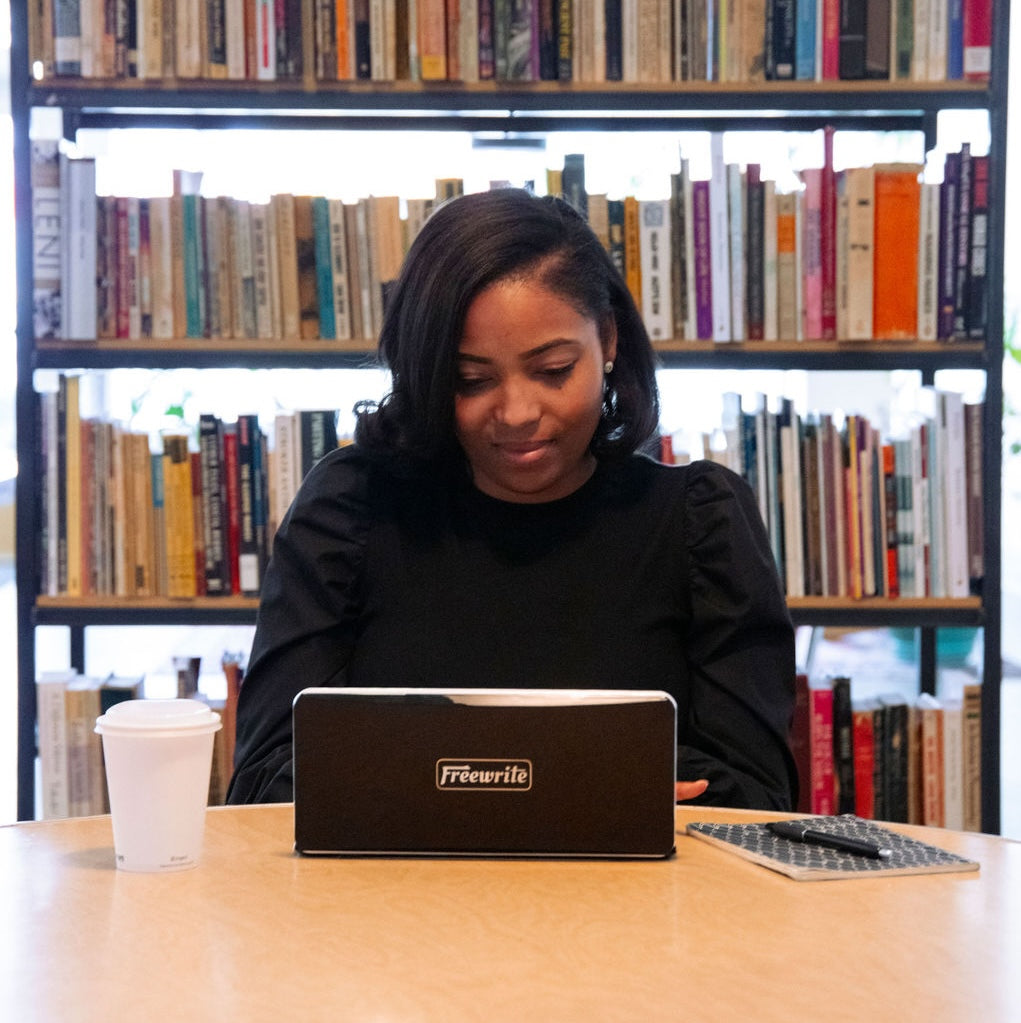

Writing is power.

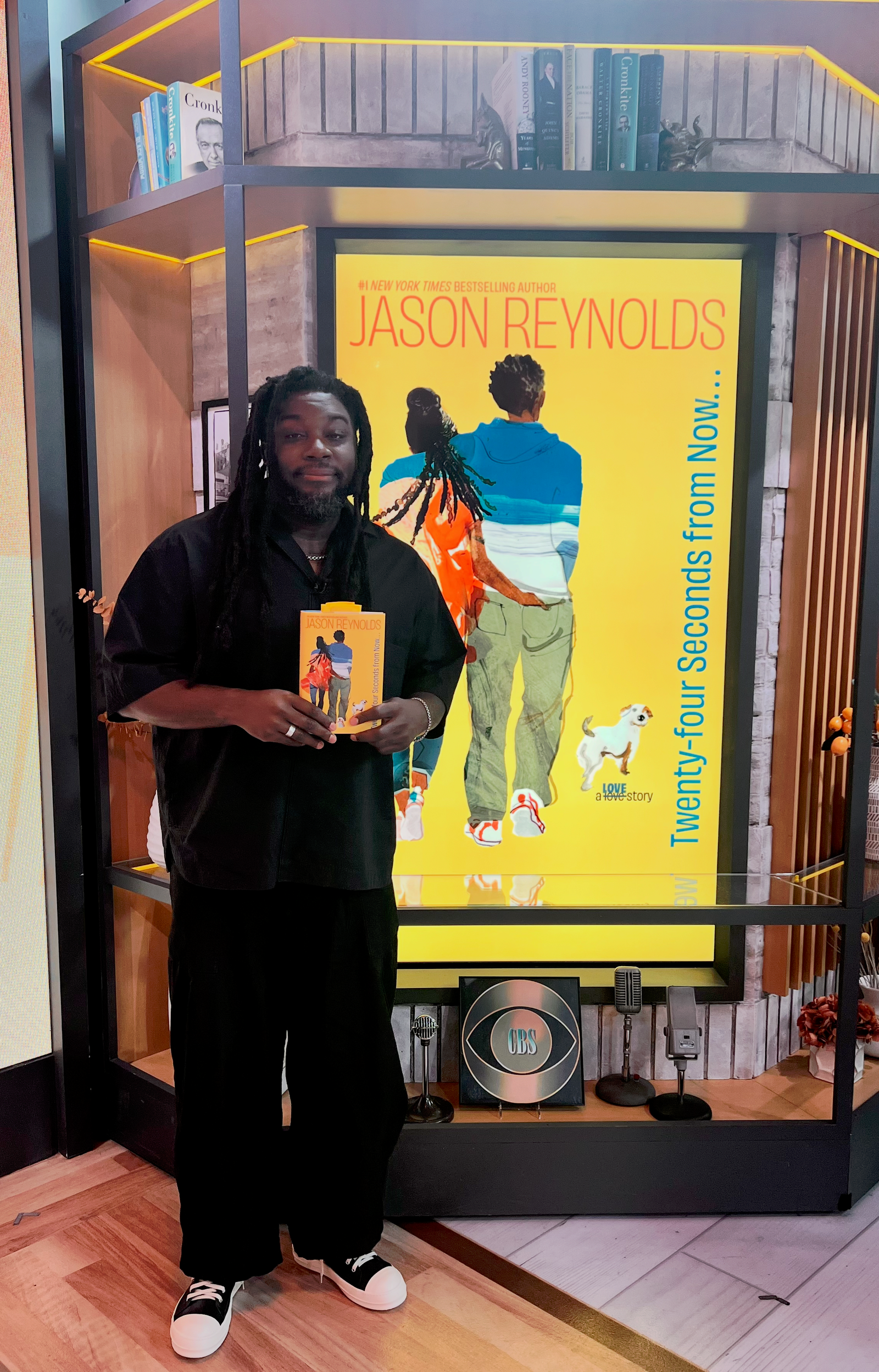
Jason Reynolds knows the power of the written word. He wrote the books a generation grew up on. Now, his mind is on the next generation.

That's why he teamed up with Freewrite to create the Jason Reynolds Freewriting Lab.

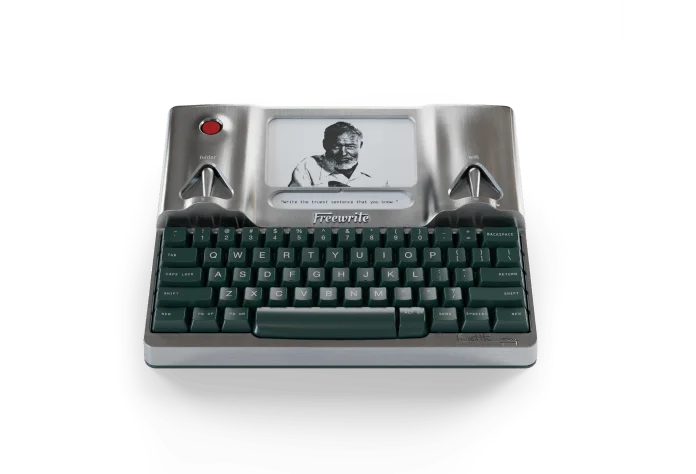
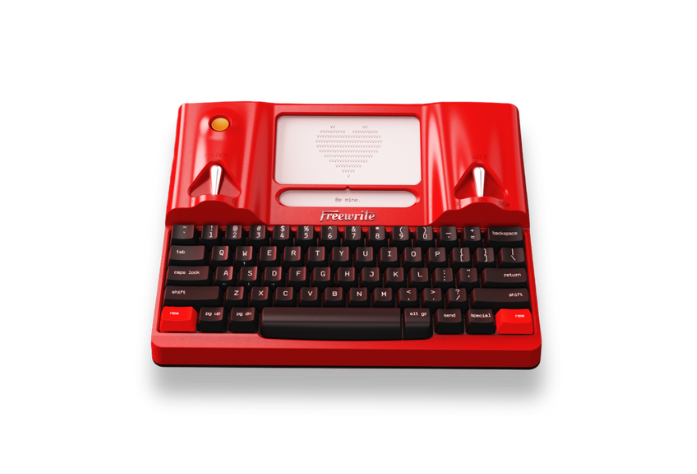
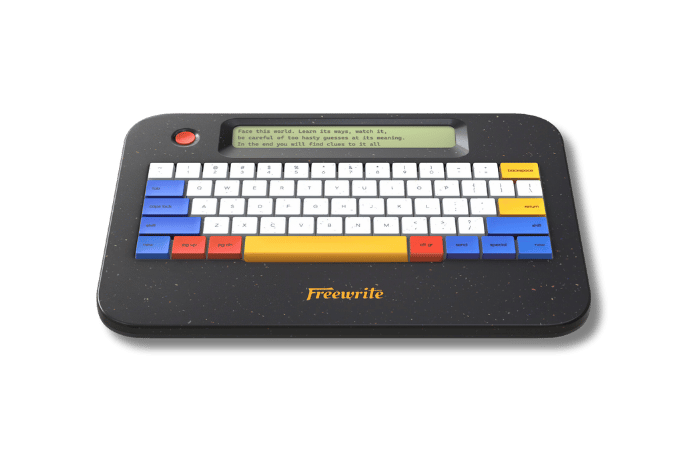
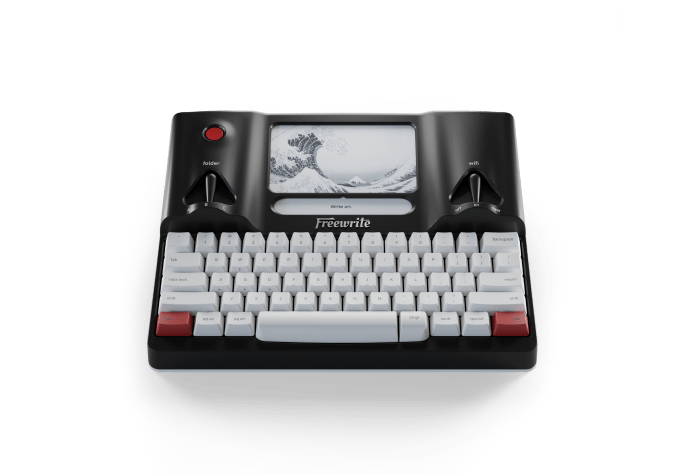
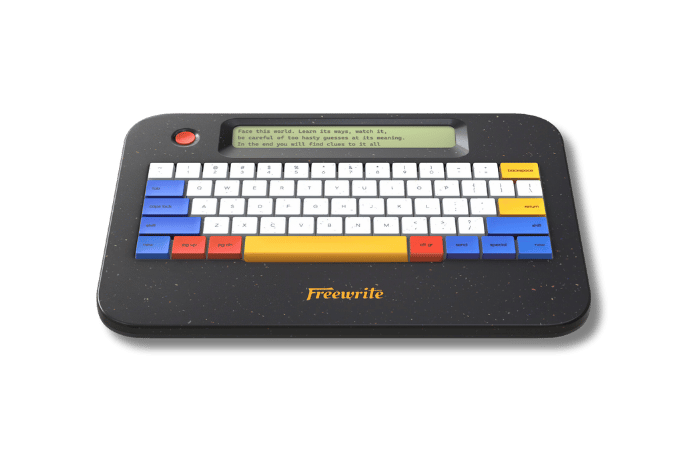
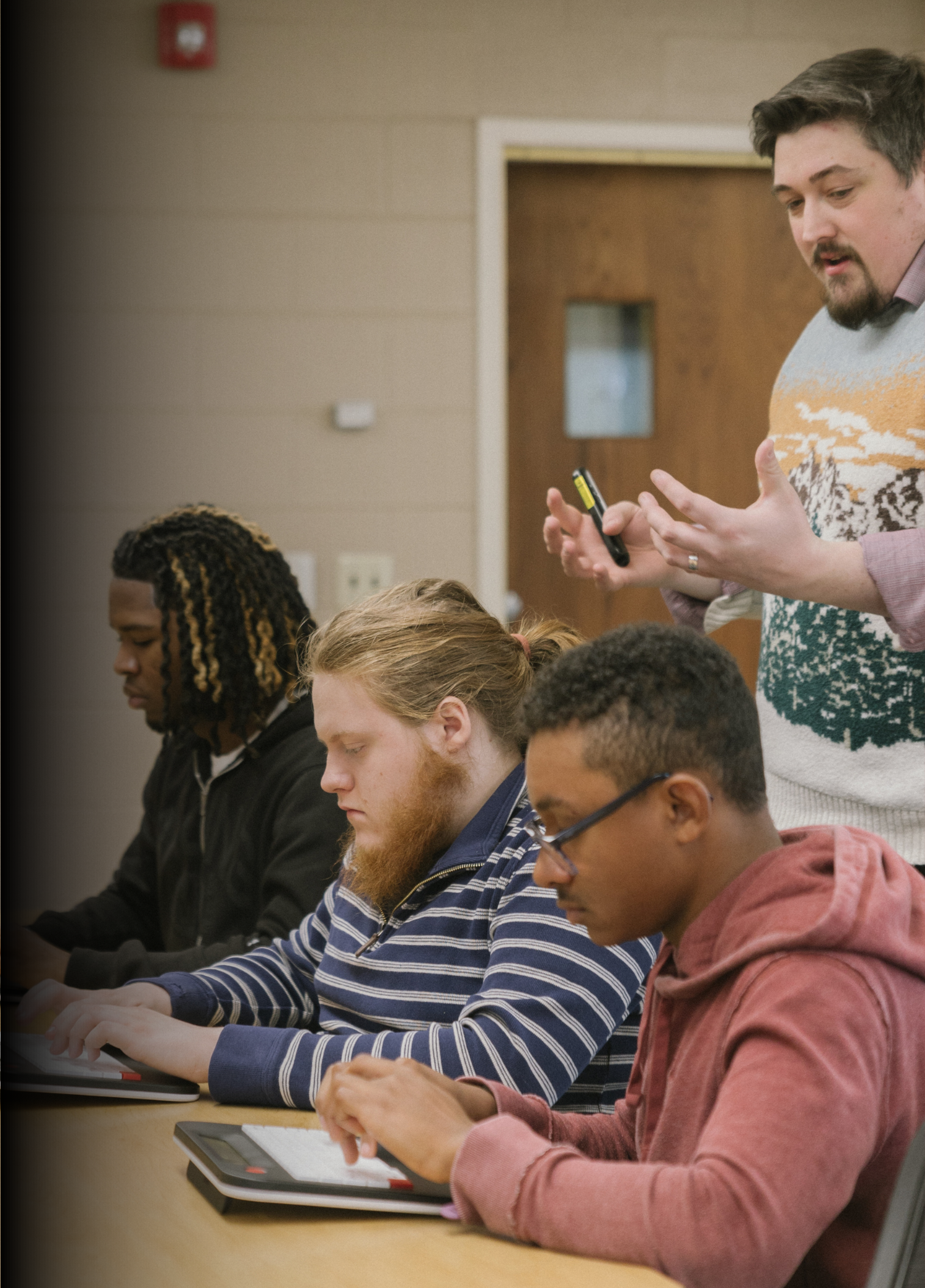
The consists of a classroom set of Freewrites, the device Jason himself uses to write his award-winning books, along with a one-week writing master class presented on video by Jason himself.
"COMPUTERS HAVE RUINED IT."

Educators everywhere are facing a rise in AI, distraction, and falling literacy rates.

But Jason is adamant that our young people are capable of great things — and great focus. They just need the right tools to get them there.

That means technology that looks a little different and writing instruction from one of the nation's best writers for young people.

Fill out the form below to learn how to bring this one-of-a-kind program to your school or classroom.

"I can’t see what I just wrote. That’s the power in Freewrite. It’s all about moving forward."

—Jason Reynolds

“WSJ”
WIRED
The Atlantic
TechCrunch
“Forbes”
“WSJ”
WIRED
The Atlantic
TechCrunch
“Forbes”

WHAT'S INCLUDED

A Classroom Set of Freewrites

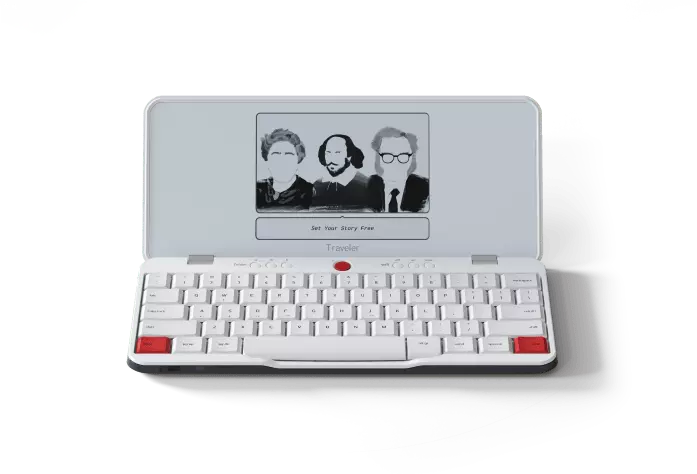
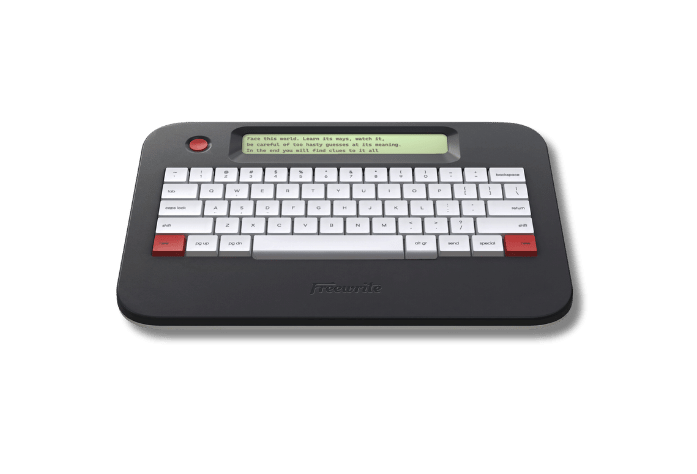
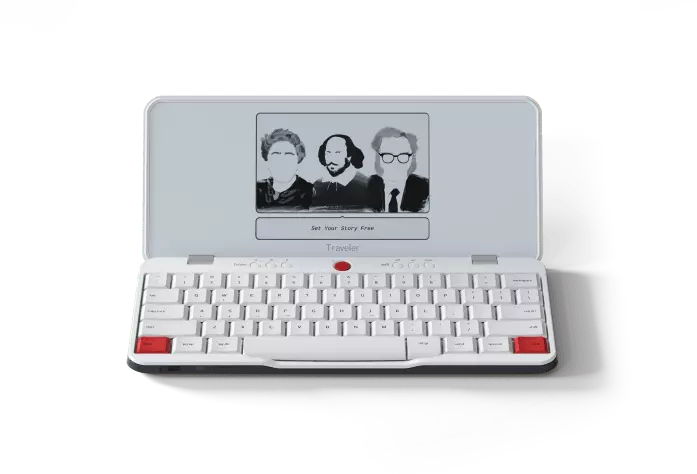
  • A 5-device, 25-device, or custom classroom set of Freewrites (Alpha or Traveler) at our education discount
  • Charging cables
  • Unlimited student accounts (no per-seat licenses)
  • Designed for student privacy and FERPA alignment

JASON'S FREEWRITING CURRICULUM

  • A week-long writing master class by Jason Reynolds
  • Daily lesson plans
  • Daily writing exercises accompanied by a short video lesson led by Jason
  • Daily writing prompts

Looking for a Freewrite for your own personal writing?

Here at Freewrite, we offer a 10% discount for verified educators because we believe in the importance of what you're doing for the next generation. Write on.
GET THE EDUCATOR DISCOUNT

Take Your students from unboxing to first draft in one week.

  1. Fill out the form to request the lab. We'll get a quote back to you ASAP.
  2. Choose your Freewrite bundle.
  3. Submit a PO or pay via card/ACH.
  4. Receive devices within days.
  5. The curriculum will be released this fall.

FAQ

What does the Jason Reynolds curriculum consist of?

The curriculum is a one-week program with daily lesson plans, video writing exercises led by Jason, and writing prompts designed to tap into students' creativity.

How was this program created?

Jason Reynolds is a longtime Freewrite user. The Freewrite team are long-time Jason Reynolds fans. When AI exploded into the education industry, and Freewrite started hearing more often from teachers who were desperate to show their students the power of writing ... well, something had to be done.

What’s the difference between Alpha and Traveler — and which should we choose?

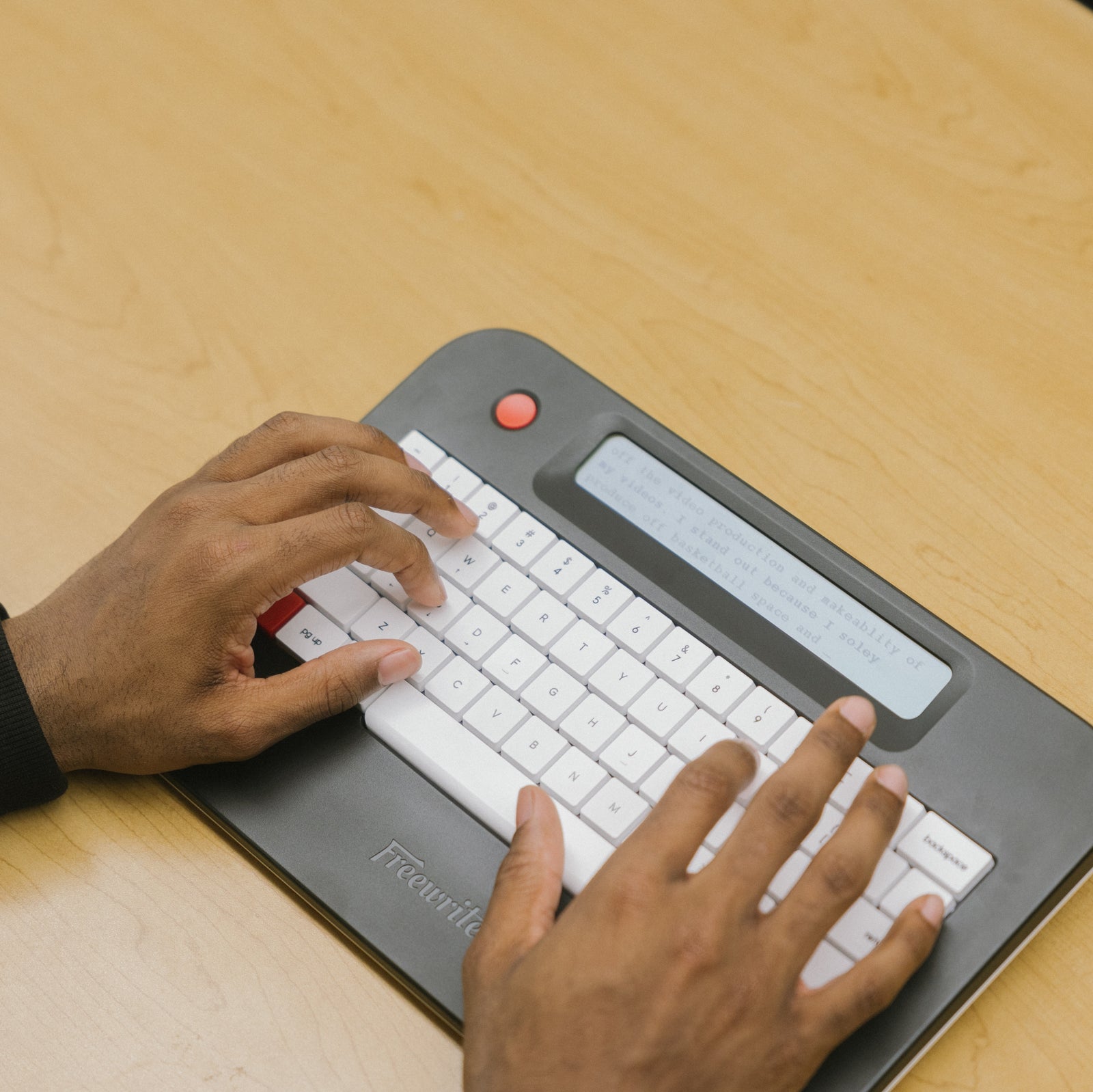
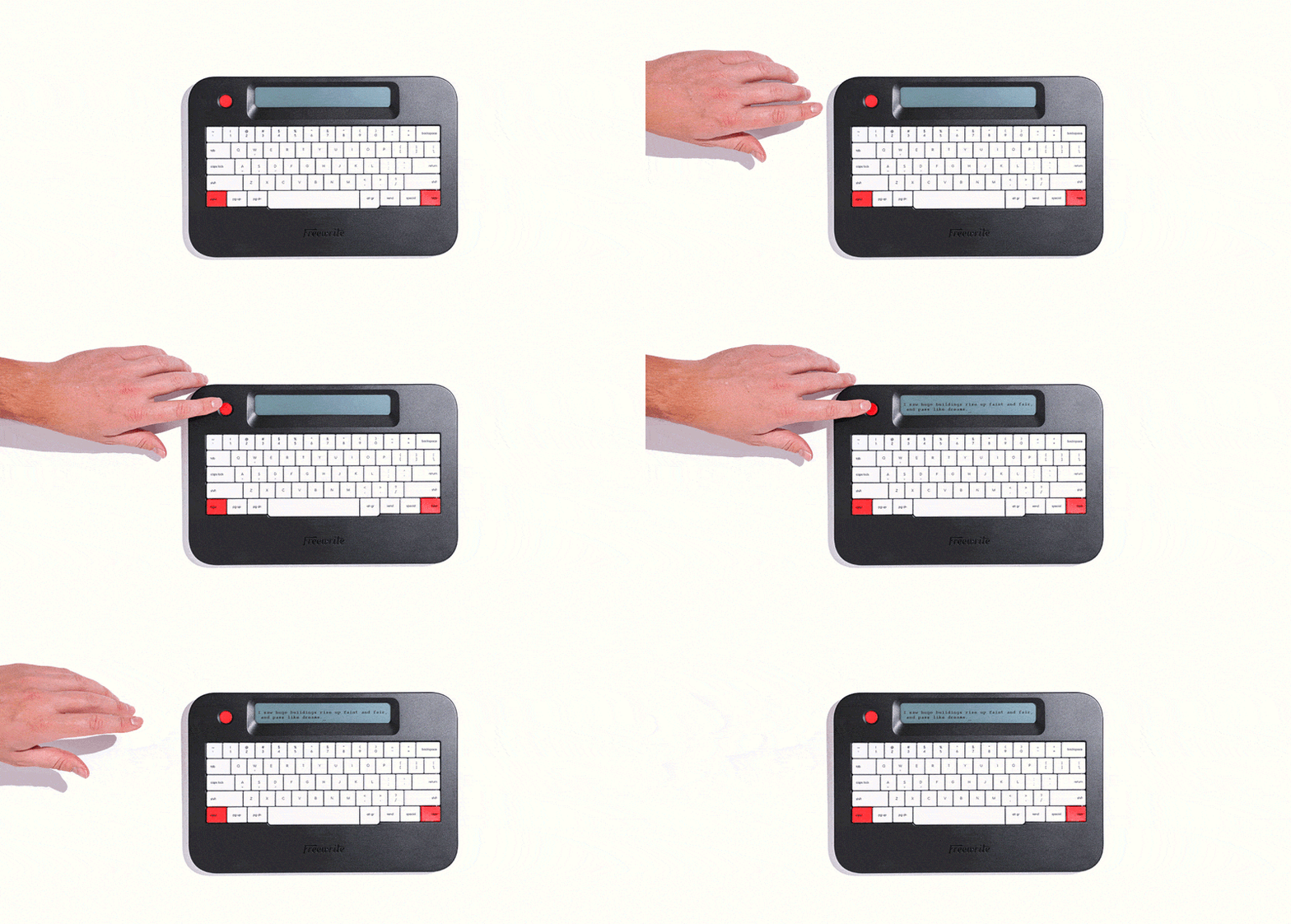
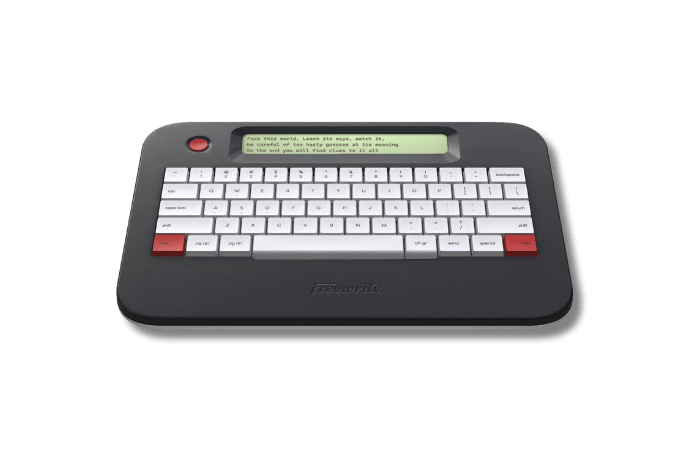
Alpha is the most affordable model and ideal for shared classroom sets, intervention groups, and sustained writing blocks. It shows only a few lines of text at a time to support focus and offers up to 100 hours of battery life.

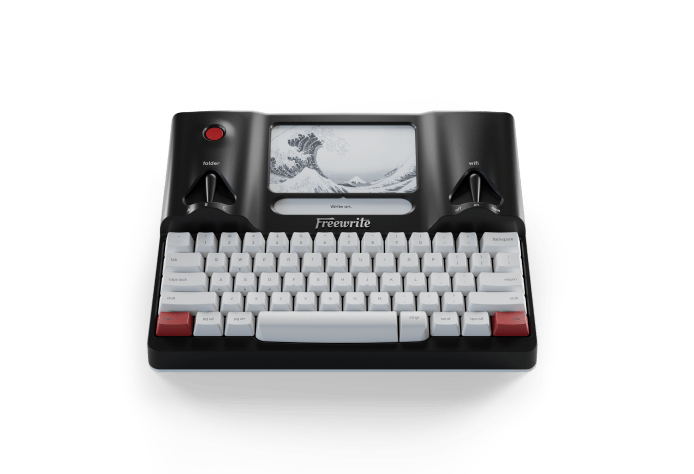
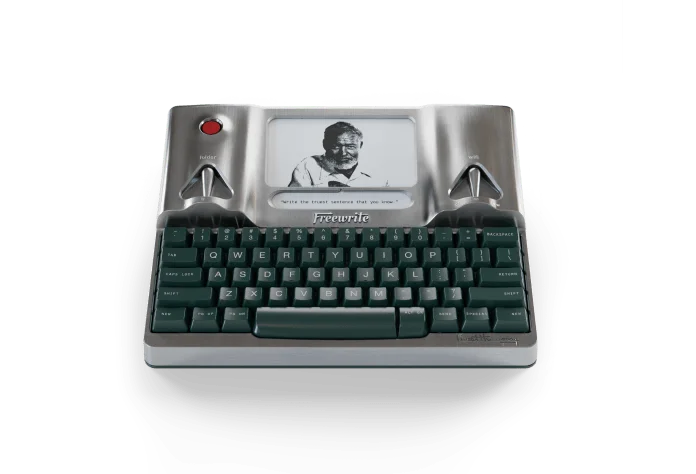
Traveler features a larger E Ink display and laptop-style keyboard, making it ideal for extended drafting sessions, writing labs, and secondary classrooms.

We’re happy to help you determine the right model based on grade level, instructional use, and scale.

Can devices be shared across multiple students or classes?
Yes. Freewrite devices are designed for shared use. Devices do not require per-student licenses and can support: - 1:1 environments - 1:many classroom rotations - Shared carts across periods Unlimited student Postbox accounts are included with all education bundles.
How does Freewrite support in-class assessments and academic integrity?

Freewrite has:

- No browser - No apps - No notifications - No AI tools

For assessments, teachers can create a centralized Postbox account where all drafts sync in real time. This allows instructors to collect authentic in-class writing without managing individual student accounts.

Does Freewrite require Wi-Fi to function?
No. Students can draft fully offline. When connected to Wi-Fi, work automatically syncs to Postbox and optional cloud services (Google Drive, OneDrive, Dropbox, Evernote). This allows flexible classroom use without constant connectivity.
Is Freewrite FERPA compliant?
Yes. Freewrite supports FERPA compliance. No student PII is sold to third parties. Devices use HTTPS with TLS encryption, and institutions can request documentation on security, data handling, and incident response protocols. Accounts can export or delete data at any time.
How are drafts accessed and exported?
Drafts sync to Postbox and can be: - Exported as TXT, MD, or DOCX files - Automatically sent to Google Drive, OneDrive, Dropbox, or Evernote - Downloaded for grading or revision Students can revise drafts in traditional word processors after drafting on Freewrite.
What does implementation look like?
Each bundle includes: - A Teacher Starter Guide - Setup instructions - Classroom integration examples - Troubleshooting guidance - “Art of Freewriting” instructional resources Most classrooms are up and running in a single class period.
How long does the battery last?
- Alpha: Up to 100 hours per charge - Traveler: Up to 20 hours per charge Devices typically last 4–5 weeks between charges depending on usage and can remain plugged in while stored.
How are devices stored and maintained?
Devices are compatible with standard USB-C charging carts and trays. Many schools use rolling carts (20–40 devices) or stationary cabinets for overnight charging. Devices can be wiped or reset between cohorts or school years.
How does purchasing work for districts?
The process is straightforward: 1. Choose bundle and device model 2. Request a quote 3. Submit tax exemption (if applicable) 4. Issue a PO (Net 30 available) 5. Devices ship in 3–5 business days (classroom sets) Customized district pricing is available for multi-school rollouts.
Does Freewrite support multiple languages and keyboard layouts?
Yes. Freewrite supports 30+ languages on Alpha and 60+ languages on Traveler, along with dozens of alternative keyboard layouts to accommodate diverse student populations. Keyboard settings can be adjusted within Postbox, making it easy to configure devices for multilingual classrooms, dual-language programs, and international schools. This flexibility allows districts to deploy devices across varied student populations without requiring different hardware models.